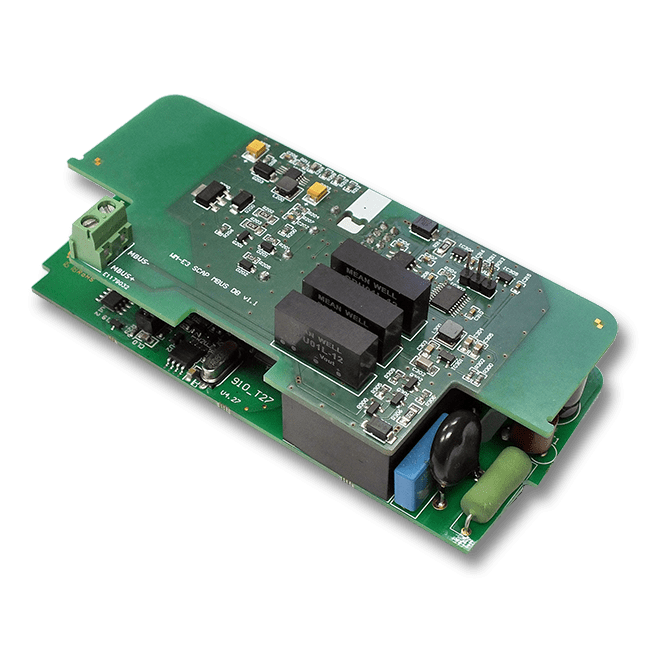
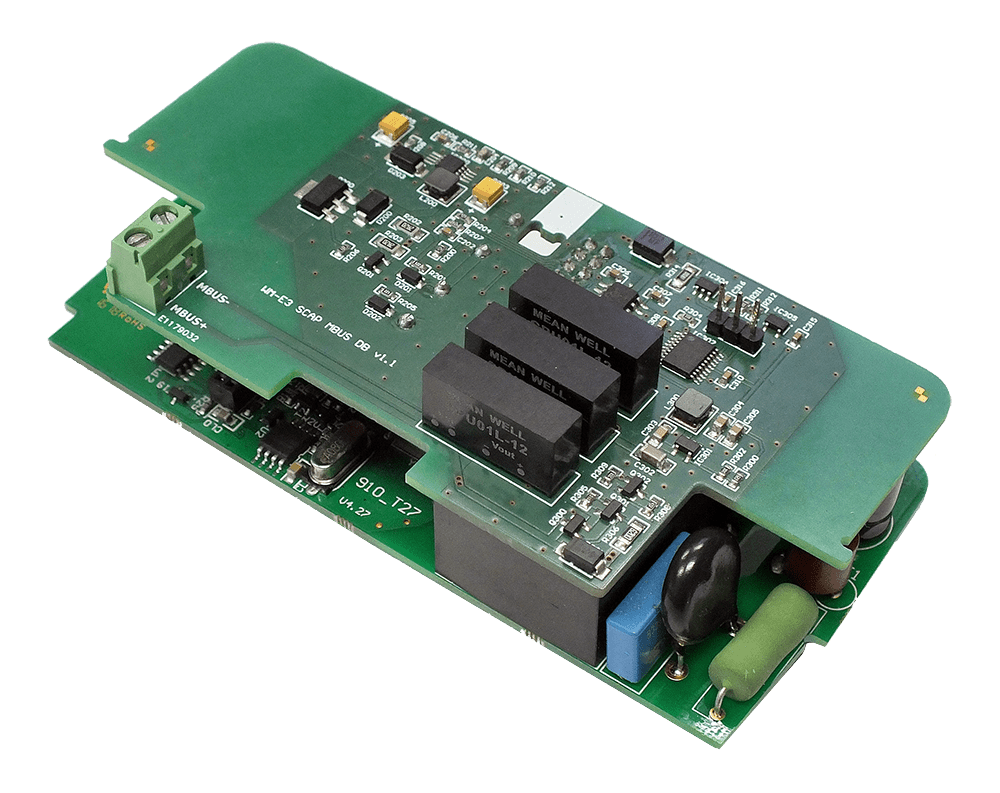
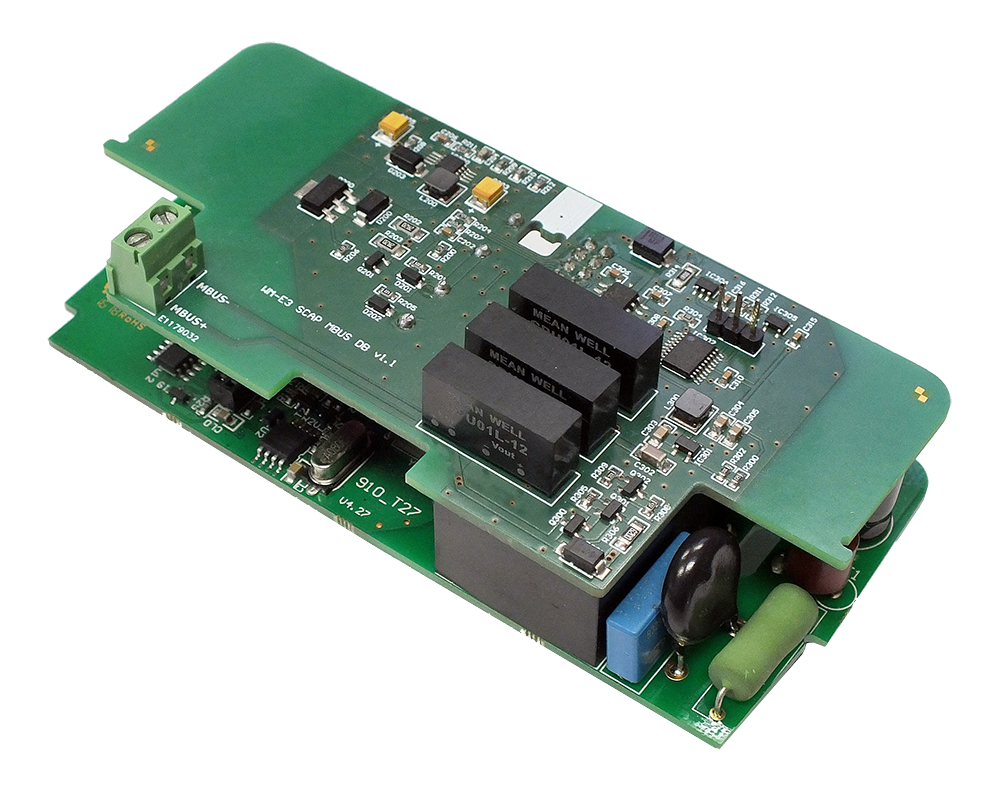
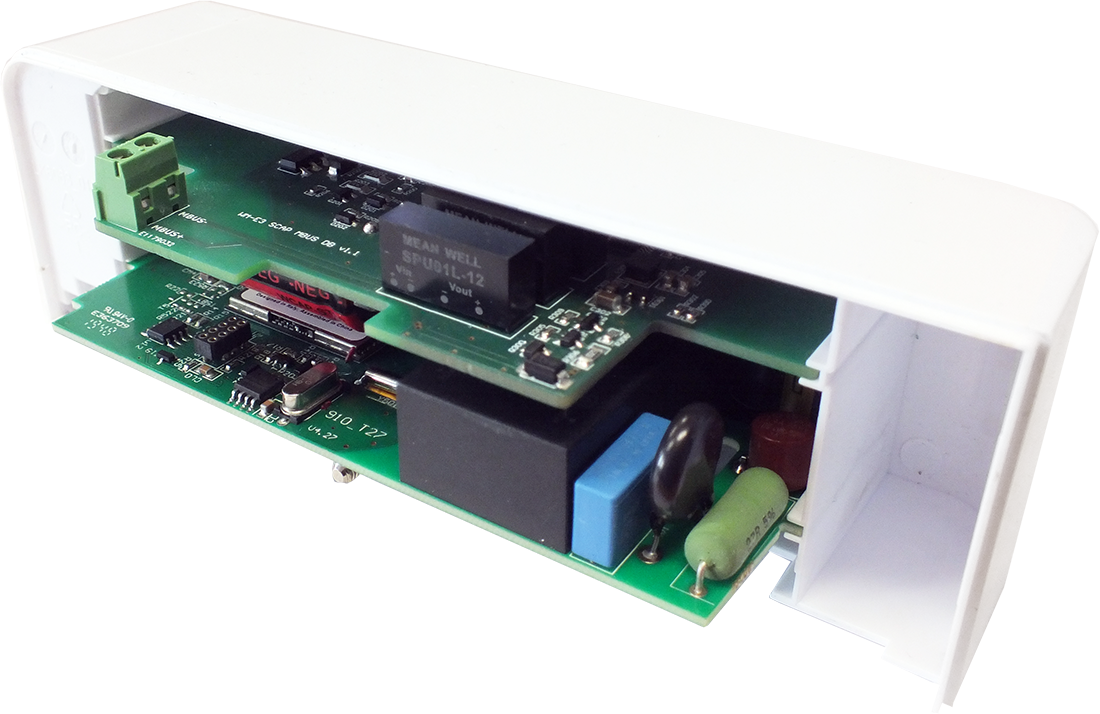
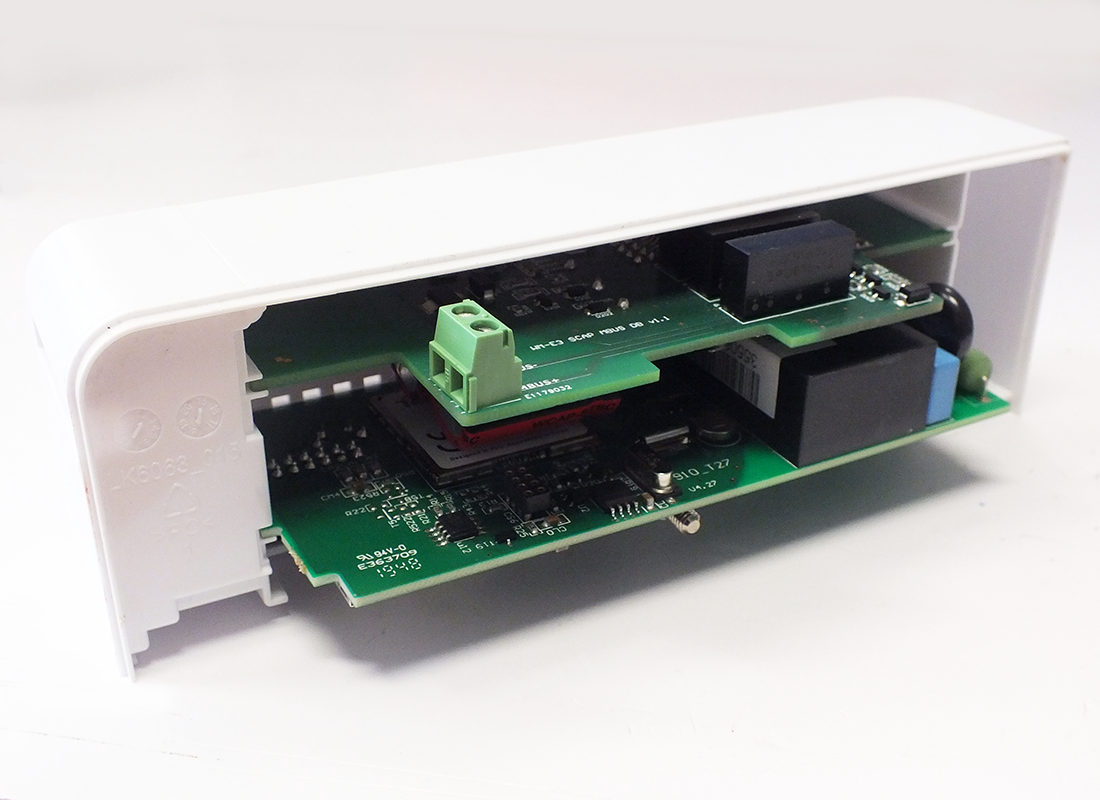
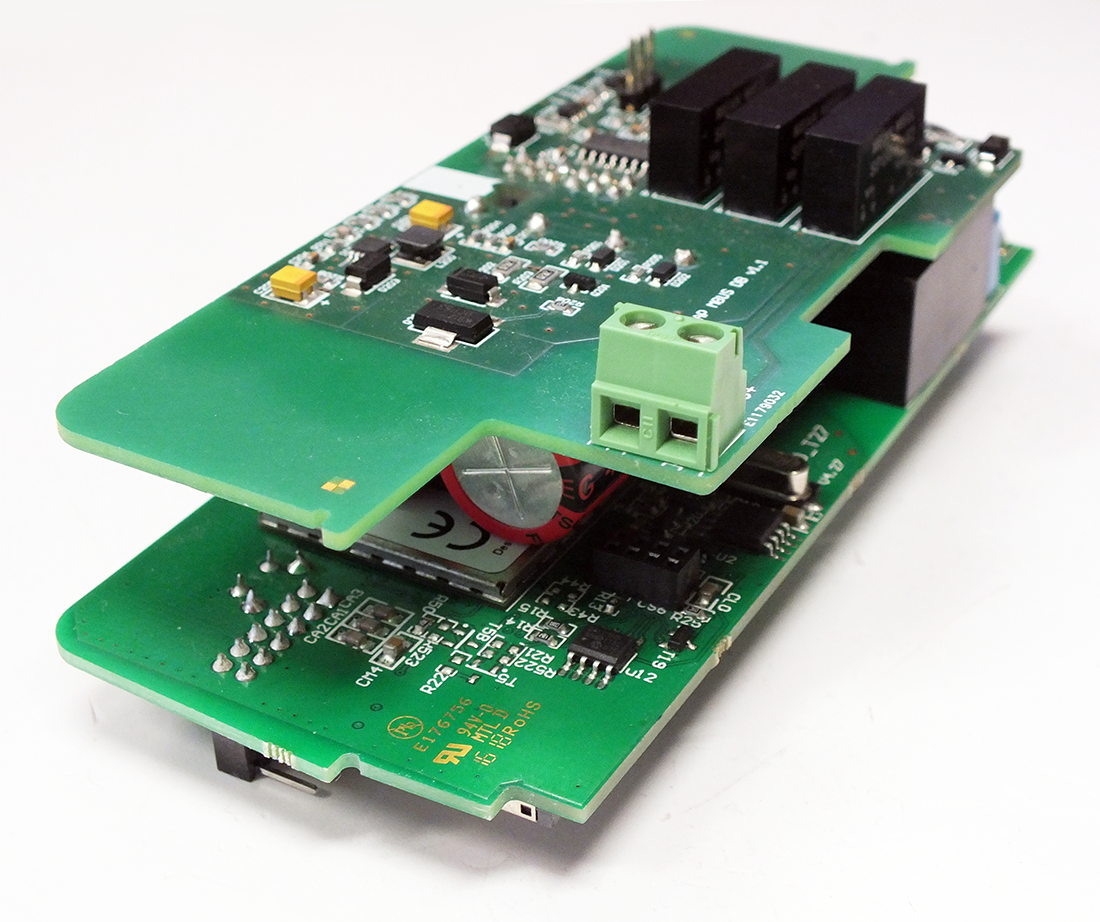
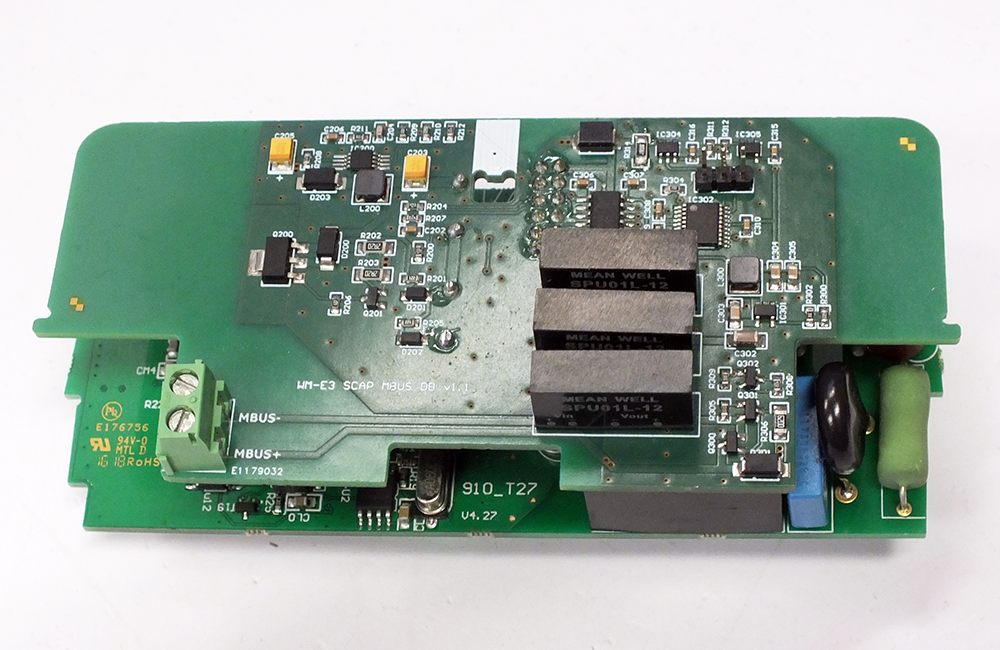
WM-E3S MBUS

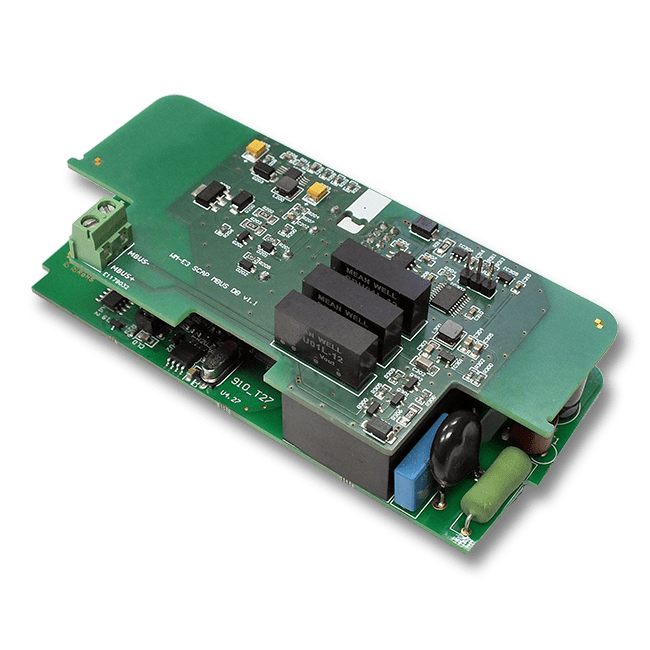
Cellular modem specifically designed for the Honeywell AS3000 and AS3500 M-Bus electricity meters. Available for LTE Cat.4 / 3G / 2G networks.

Electricity metering
Water Metering
Wireless access
M-Bus
FW Updates
Remote Access


Last Updated on 2025-10-29

Our company develops cellular modems that work smoothly and are fully compatible with the Honeywell electricity meters, which represent a future-proof migration solution
to the LTE network.

This modem can readout (the measured energy consumption of the connected electricity meters) remotely for the request of the HES center.

The device can also readout the alarms of the meters, then push them to the HES center by DLMS protocol.
 

Quick Specifications — WM-E3S MBUS
Device type Smart electricity metering cellular modem
Primary use case Smart metering (AMI/AMR), Smart Grid, LTE and Cat.M upgrade of legacy meters
Cellular & RF Access Technology LTE Cat.4 / LTE Cat.1 / Cat.M/NB / 450 MHz; 2G fallback
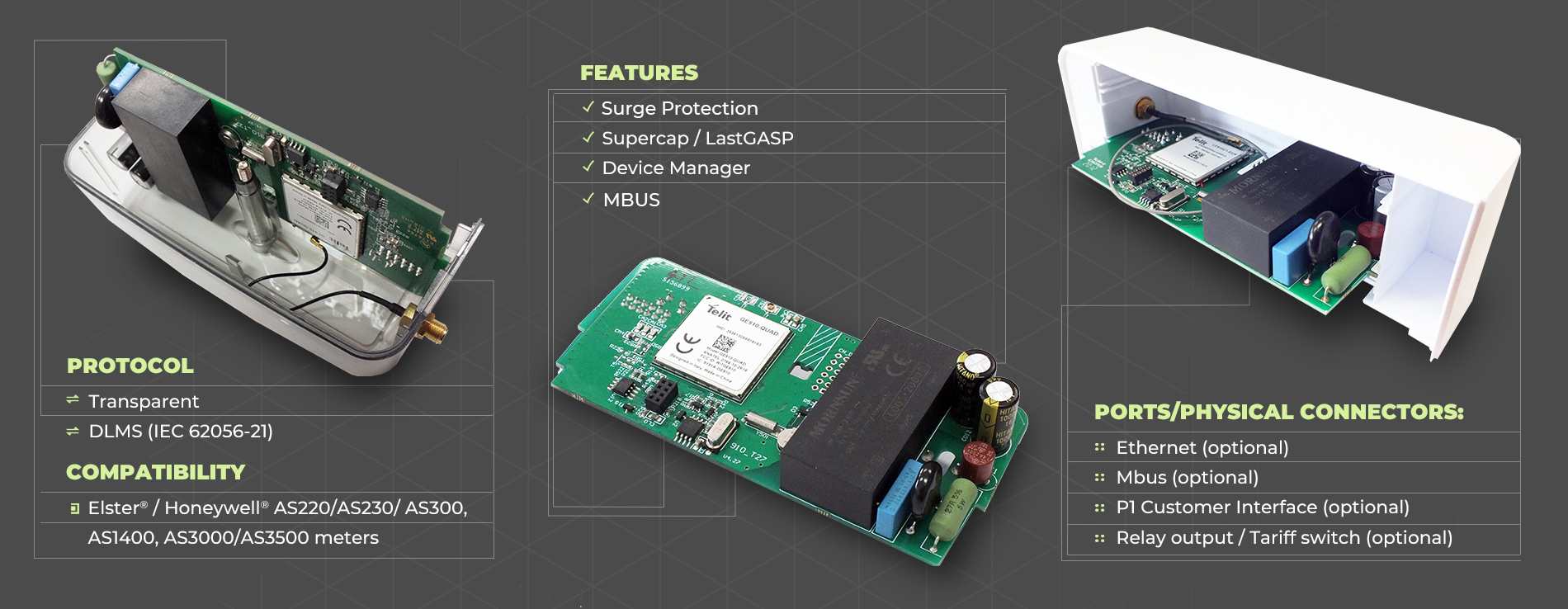
Protocols IEC Transparent, TCP, DLMS, M-Bus
Interfaces, Physical Connectors internal serial, Ethernet (optional), P1 Customer Interface (optional), M-Bus, Relay output (optional)
Meter compatibility HONEYWELL AS220, AS230, AS300, AS1400, AS3000, AS3500 type electricity meters
Power & Environment AC power from the meter  between -40 Celsius and +70 Celsius degree, IP51 protection
Approvals & Certifications CE, RoHS, ReD DA
Firmware Customized Free RToS (embedded system)
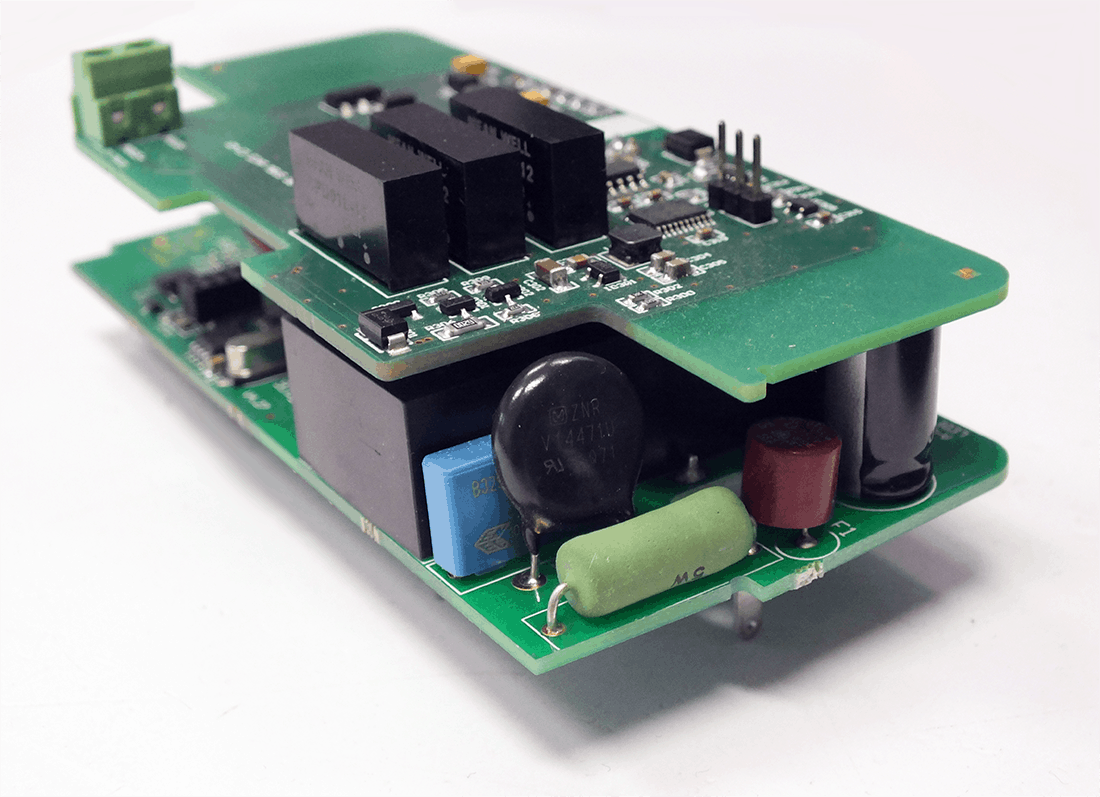
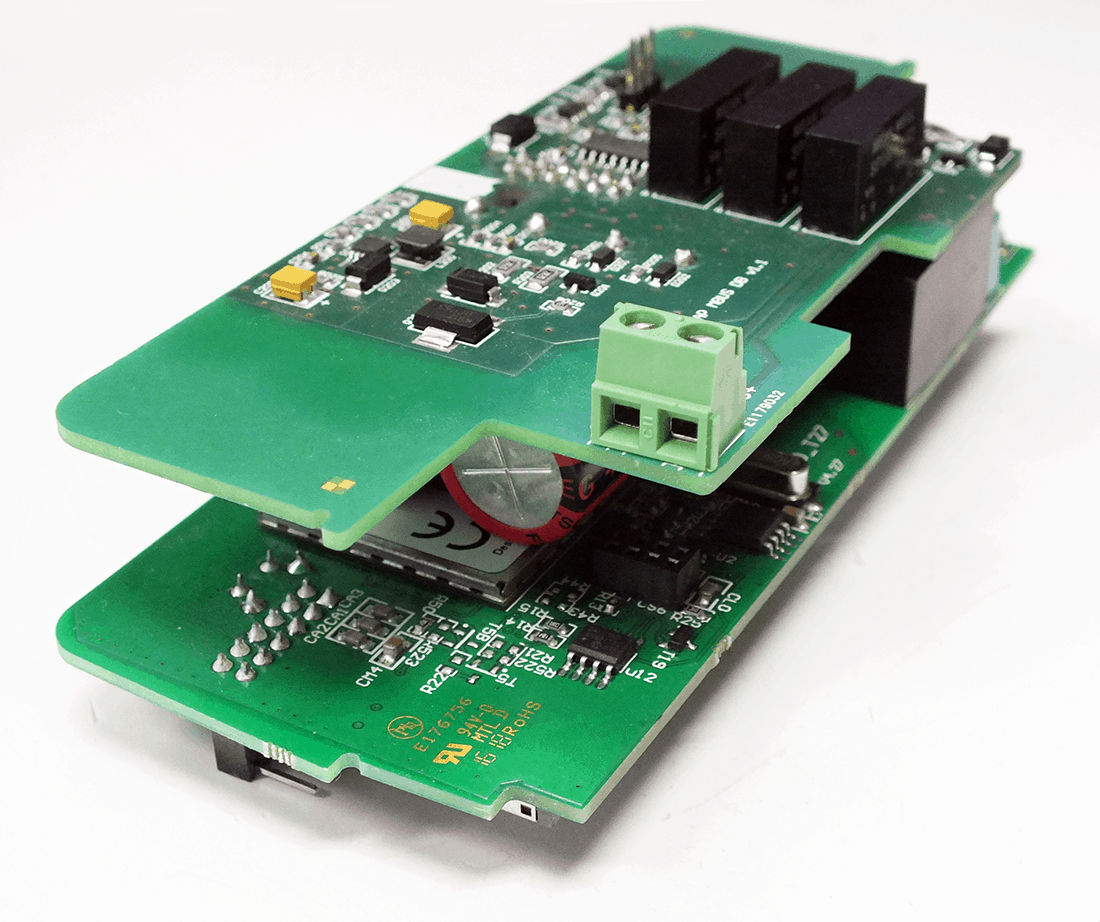
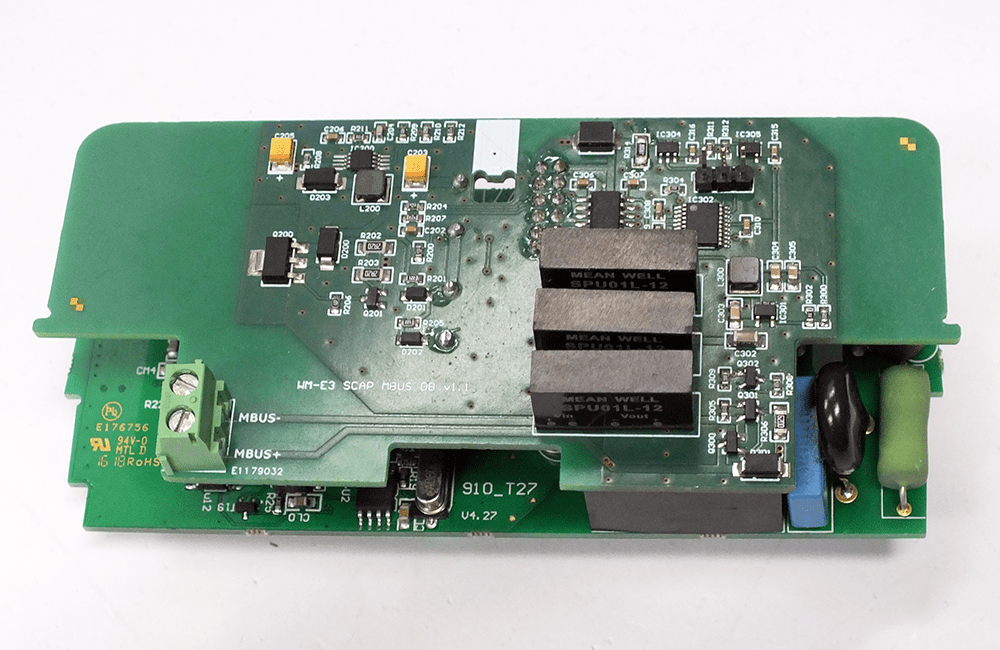
Installation Fit under the terminal cover of the meter
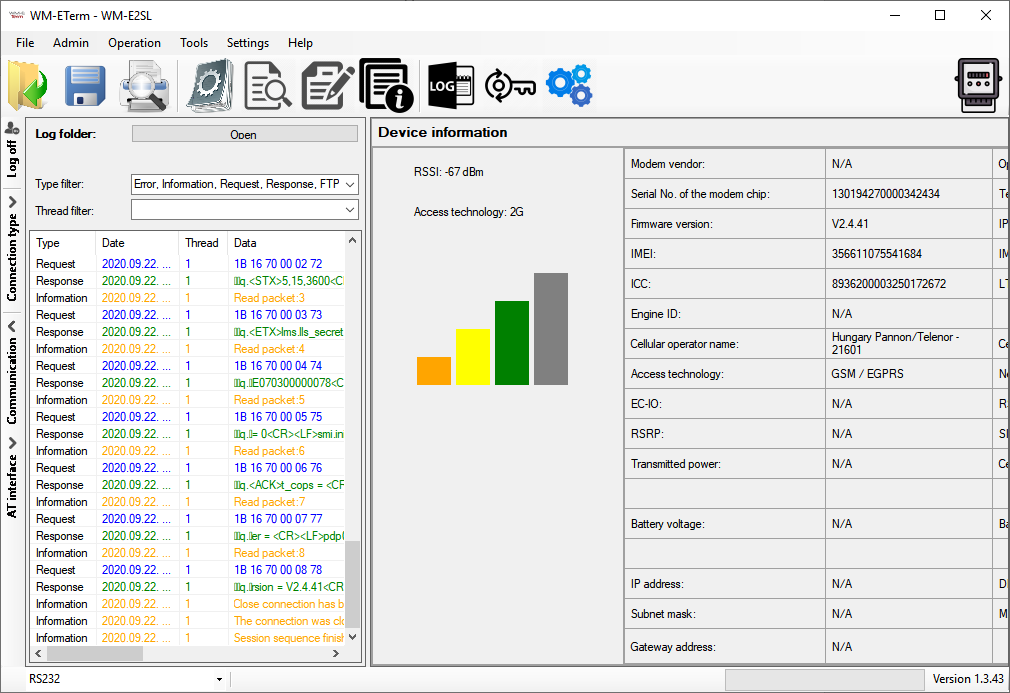
Configuration WM-E Term configuration software (downloadable) via local or TCP
Device Management Device Manager software (Remote provisioning, firmware update, bulk config)
Security TLS, Super capacitor (LastGASP notification), Surge protection


Connection possibilities:

  • 1 electricity meter to the modem
  • 4 M-Bus standard water meters to the modem

The consumption values of connected M-Bus water meters can be readout by our modem in „pull” mode via DLMS protocol.

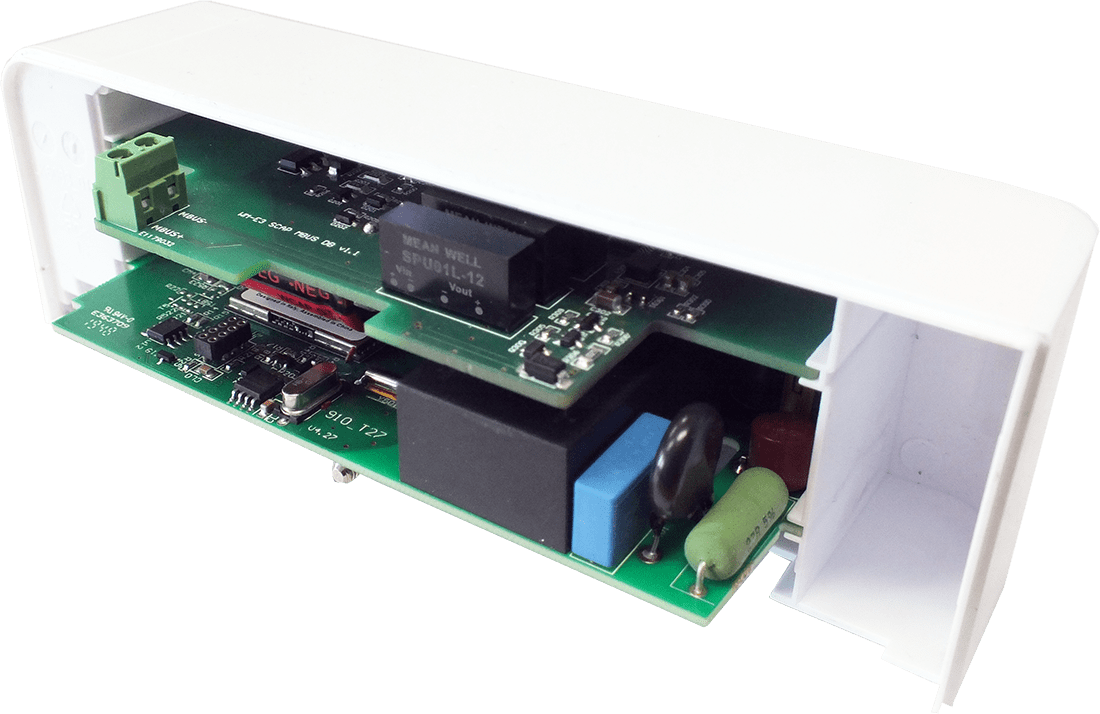
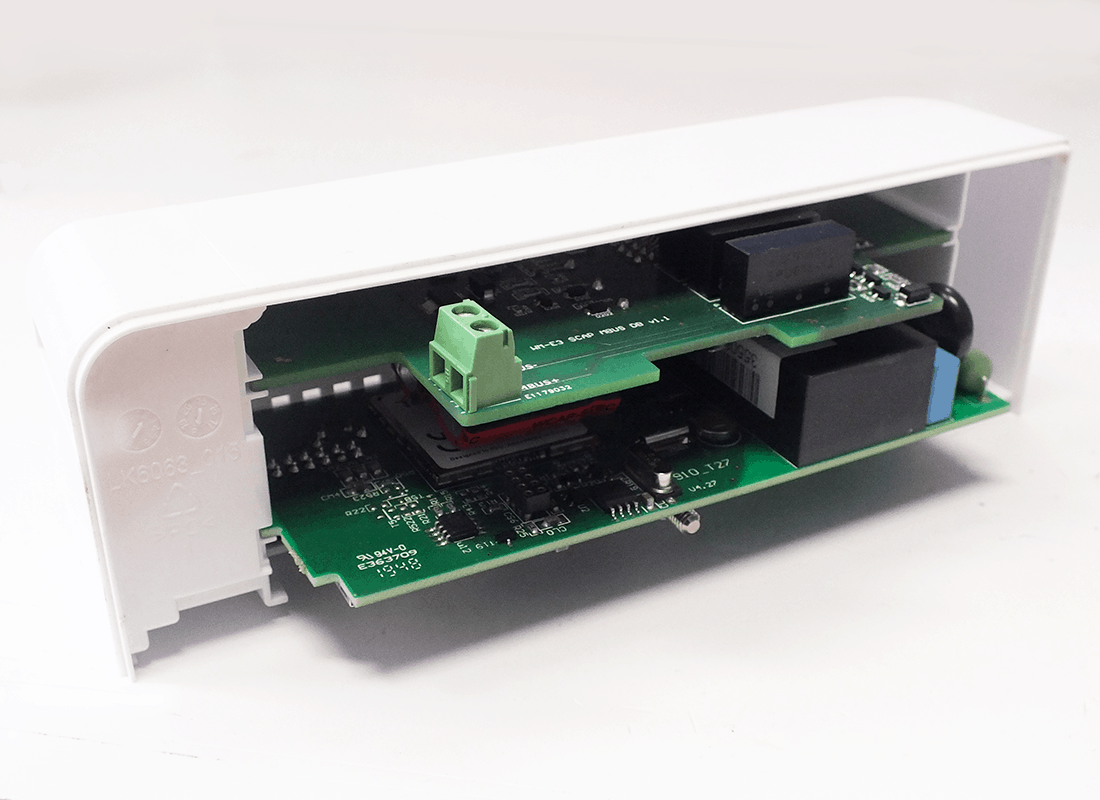
The device was designed to fit under the terminal cover of the meter and it is compliant with the Honeywell® standard.

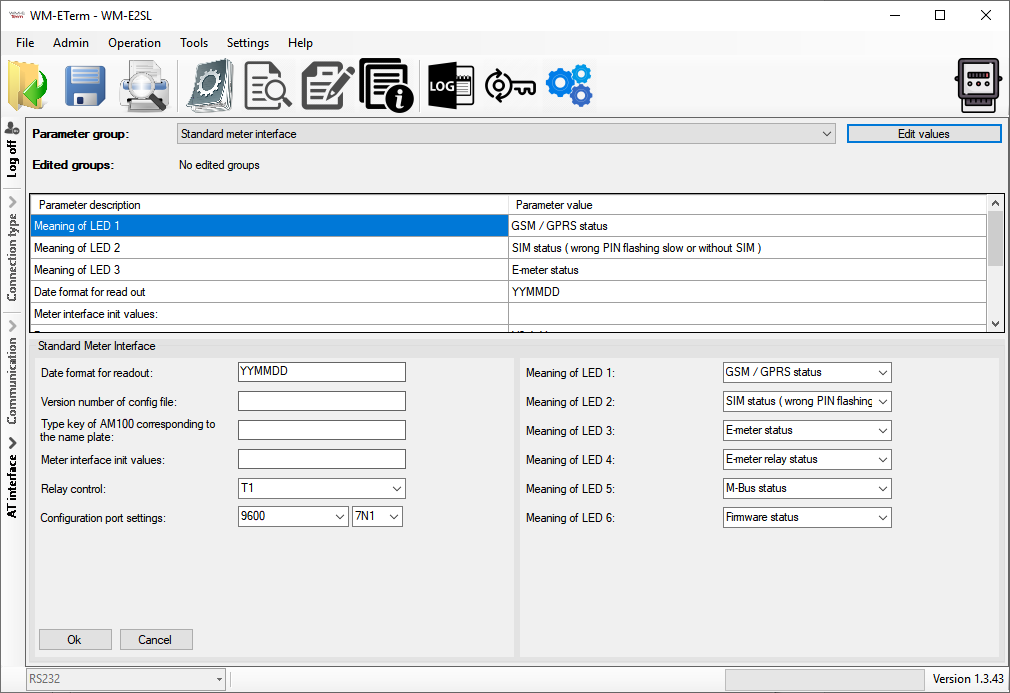
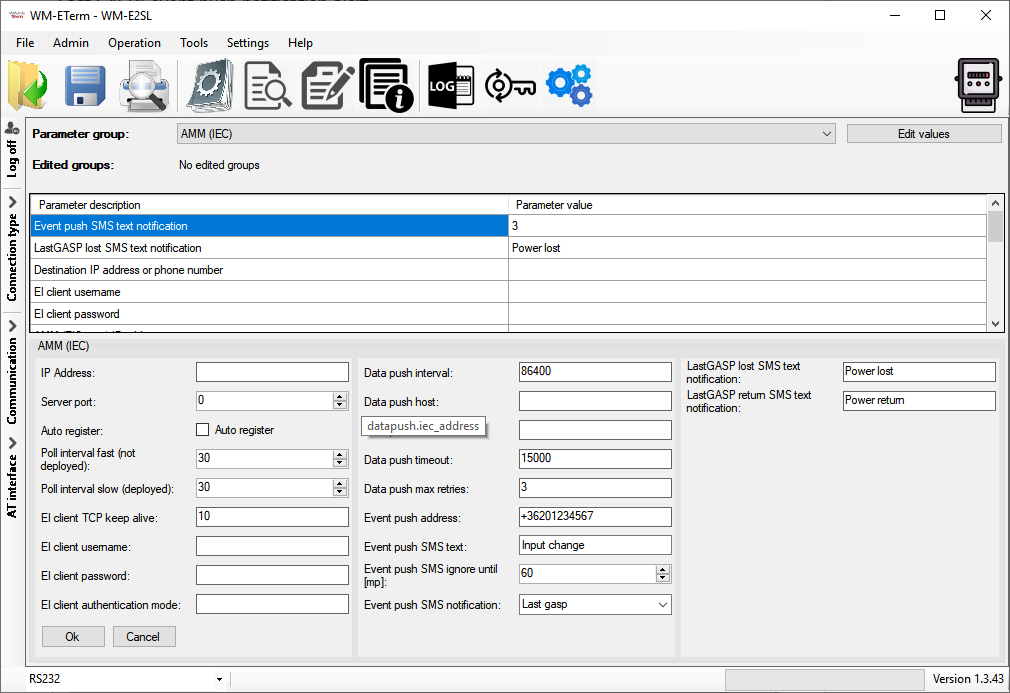
Configuration and firmware updates can be done remotely by the WM-E Term® software, minimizing the need for costly site visits.


Main features

  • Wireless module order options:
    • 4G LTE Cat.1 with 2G or 2G / 3G “fallback” feature
    • 4G LTE Cat.4 / 3G / 2G
    • LTE Cat.M / Cat.NB with optional 2G “fallback” feature
  • Can be assembled into the meter enclosure (secure fastening)
  • Power supply (AC) from metrology
  • Compatible with Honeywell® AS3000/3500 meters
  • IEC / DLMS meter compatibility
  • M-Bus connection: 4 water meters can be connected
  • Transparent data „push” to HES (by DLMS, alarm triggered)
  • „Pull” data sending (for HES request)
  • Usage of IEC 62056-21 and M-Bus protocols
  • Surge protection option (from 4kV up to 12kV)
  • Supercapacitor option (for power outage notification)
  • Remote & safe firmware update and configuration
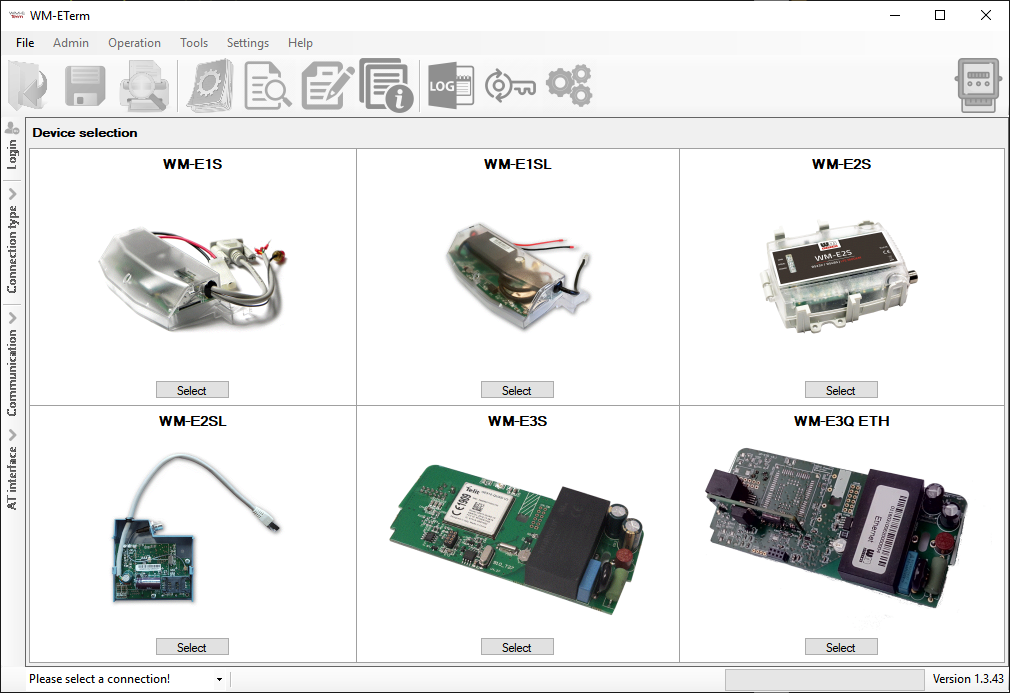
  • WM-E Term® application (mass configuration, FW refresh)
  • Device Manager® software (order options)

Application & Use Cases


Industries

Design and outfit

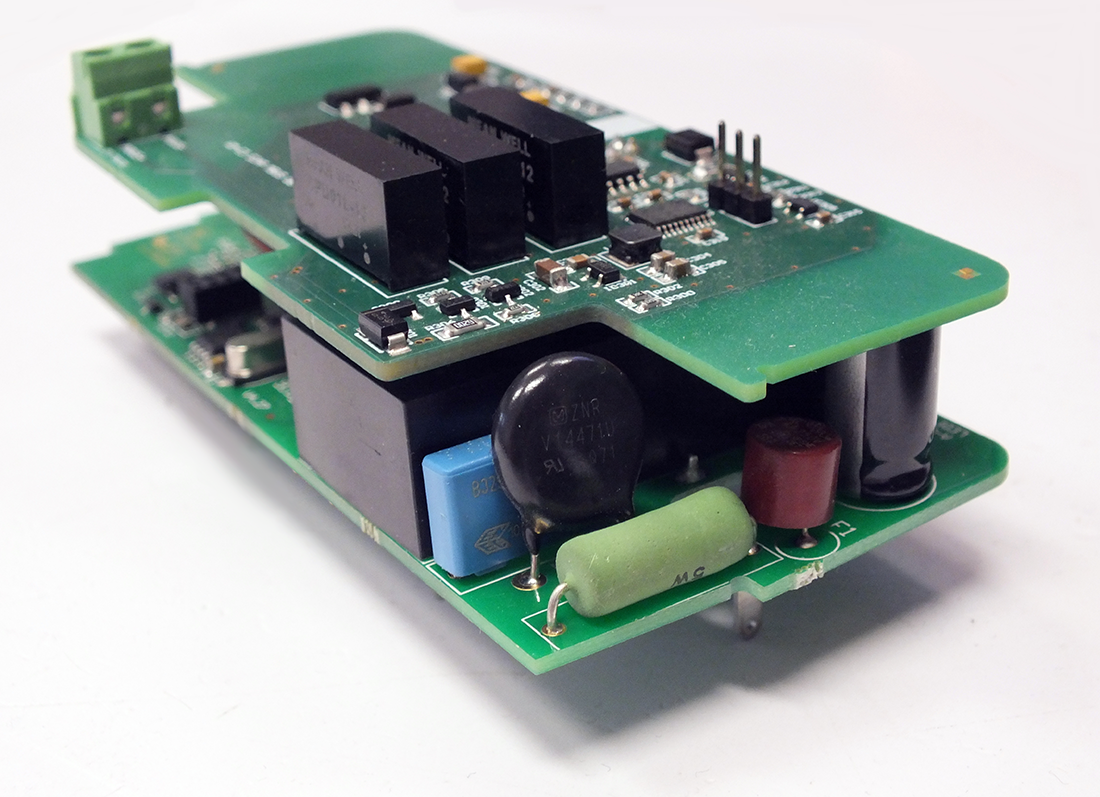
  • The modem PCB can be installed inside the meter enclosure – by modem enclosure rails
  • AC power by the metrology


Compatibility

  • Honeywell® AS3000/AS3500 electricity meters
  • 1-4 wired M-Bus water meters
  • IEC/ DLMS compatible meters


Operation

  • Transparent “pull” readout for electricity meters
  • „Push“ data sending and alarm signaling to the HES (by DLMS protocol) – for electricity meters
  • „Pull” data request (via DLMS) for water meters


Accessories

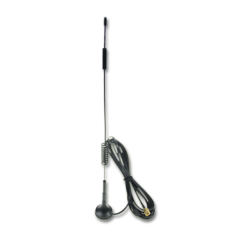
  • Optional SMA antenna (50 Ohm)
  • WM-E Term® configuration software


Technical details

WM-E3S MBUS

Product Datasheet

Updated: 2022-11-08


Quick Installation Guide

Updated: 2024-10-24

Installation Manual (WM-E3S)

Updated: 2024-11-28

Installation Manual (WM-E3S M-Bus)

Updated: 2025-12-03

WM-E Term User Manual

Updated: 2026-01-19

WM-E3S M-Bus Parameter Description

Updated: 2025-09-30

WM-E Term Appendix

Updated: 2025-01-22


WM-E Term configuration tool
Updated: 2026-01-19

Video tutorial – Chapter 1. WM-E Term: Introduction

Video tutorial – Chapter 2. WM-E Term: How to Create a log file from the connected modem?

Video tutorial – Chapter 3. WM-E Term: Serial port connection settings

Video tutorial – Chapter 4. WM-E Term: Debug redirection

Video tutorial – Chapter 5. WM-E Term: How to change the Display Language?

Video tutorial – Chapter 6. WM-E Term: Use Log Files in WM-E Term (Tutorial video)

GET QUOTE   Click this button to request a quote for this Product!

Relevant products

...
4G LTE ANTENNA WITH MAGNETIC MOUNT (6dBi, SMA)

4G LTE antenna with magnetic mount, SMA connection, 2.5m long RG174 cable, 6dBi max. gain
...
IoT DEVICE MANAGER

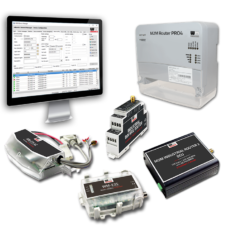
The remote management and maintenance of an IIoT solution can be a real challenge. Improve the network availability and operational efficiency of your fleet!

We are using Google Analytics

Please note that we use Google Analytics monitoring to analyze traffic and interests on our website, in order to provide an anonymous view of the distribution of visits.
uses personal information - to make internal, marketing decisions (promotions, trends, visits to visiting companies). We don't send these data to third parties.
Learn more about Google's privacy policy: www.google.com/analytics

Please use the buttons below to enable if you accept use Google Analytics, or indicate if you do not enable it.