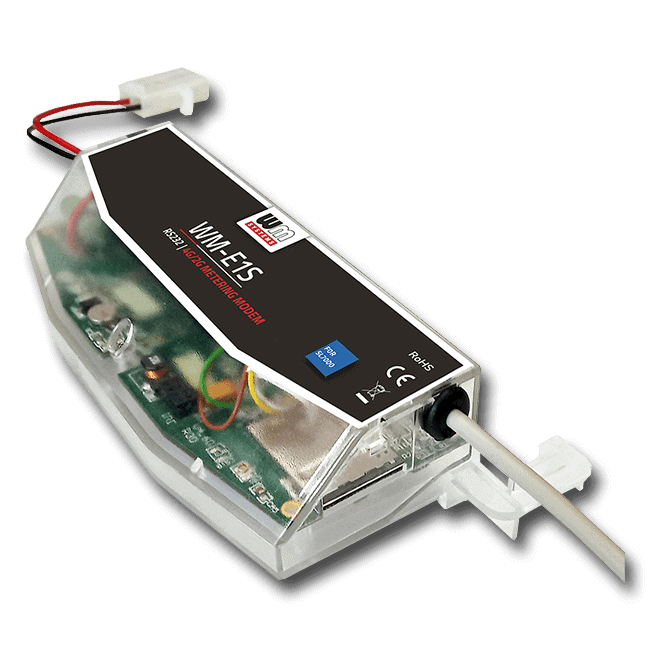
WM-E1S SL7000 Modem for Itron SL7000 Meters

Cellular modem specifically designed for the Itron SL7000 electricity meters

Electricity meter
Smart Metering
4G / 2G fallback
RS232
FW Updates
Remote Access


Last Updated on 2026-05-12

UPGRADE THE MODEMS NOT THE SMART METERS!

All around the world mobile operators are shutting down 2G/3G networks in order to give way to 5G. Companies that operate smart meters with 2G/3G connectivity must plan the migration to the latest 4G LTE network which is well-positioned to dominate smart metering communication technologies in the upcoming years. The migration to LTE has many advantages, for example, a shorter readout time due to the high-speed network with low latency.

Utilities have two options for migration: replace the meters or upgrade the modems! The 1st option comes with a high CAPEX, while the 2nd option is a future-proof solution that reduces TCO.  
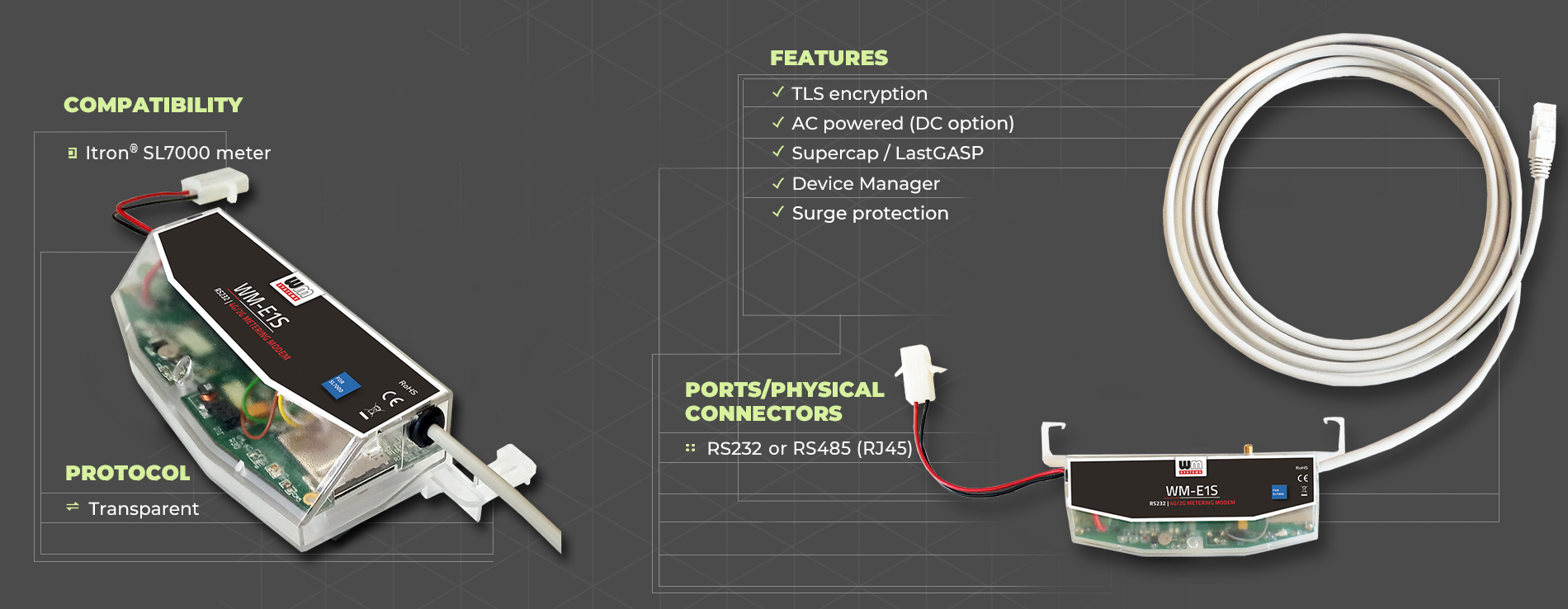
Our company develops cellular modems that work smoothly and are fully compatible with the 3-phase Itron® SL7000 electricity meters. This device was designed to be fully compliant with all Itron standards.

Our cellular modems represent a future-proof migration solution to the LTE network with the same functionality, on higher data speed. Configuration and firmware updates can be done remotely, minimizing the need for costly site visits.

Quick Specifications — WM-E1S SL7000
Device type Smart electricity metering cellular modem
Primary use case Smart metering (AMI/AMR), Smart Grid, LTE and Cat.M upgrade of legacy meters
Cellular & RF Access Technology LTE Cat.1 / 2G and CSD, Cat.M/NB / with 2G or 450 MHz support
Protocols IEC Transparent, TCP
Interfaces, Physical Connectors RS232 (RJ45) or RS485 (RJ45)
Meter compatibility ITRON SL7000 type electricity meters
Power & Environment AC power from the meter  between -40 Celsius and +70 Celsius degree, IP51 protection
Approvals & Certifications CE, RoHS, ReD DA
Firmware Customized Free RToS (embedded system)
Installation Fit under the terminal cover of the meter
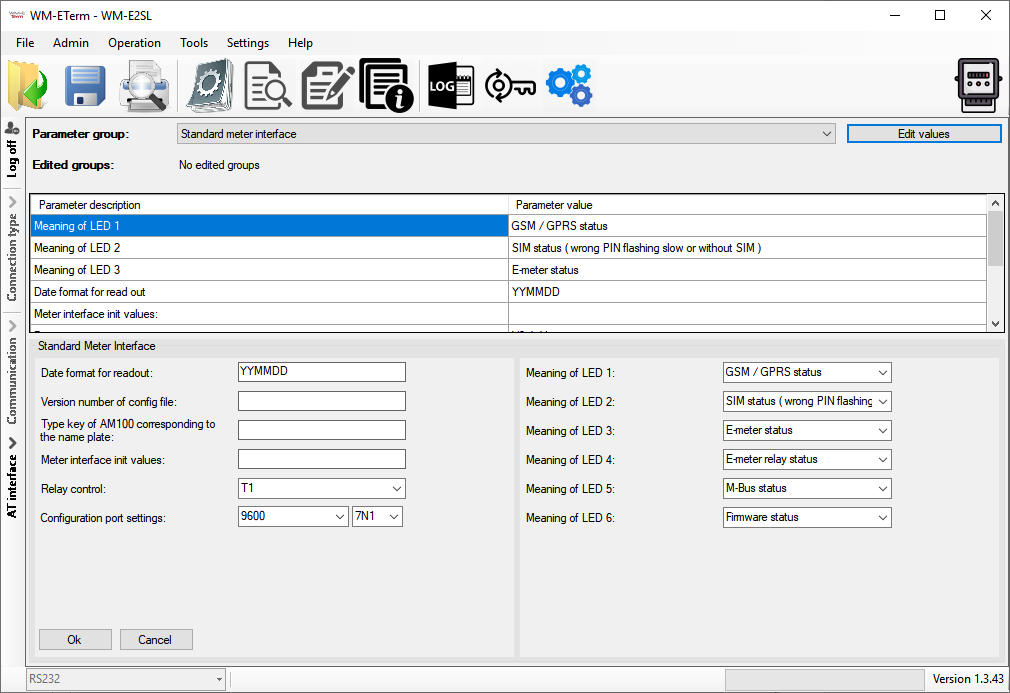
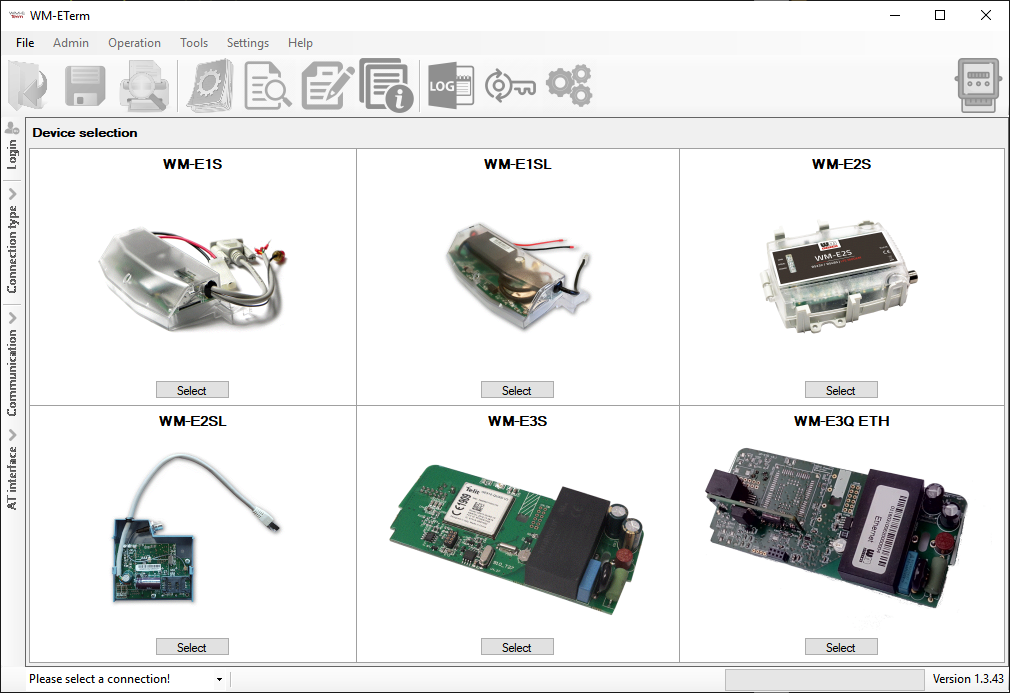
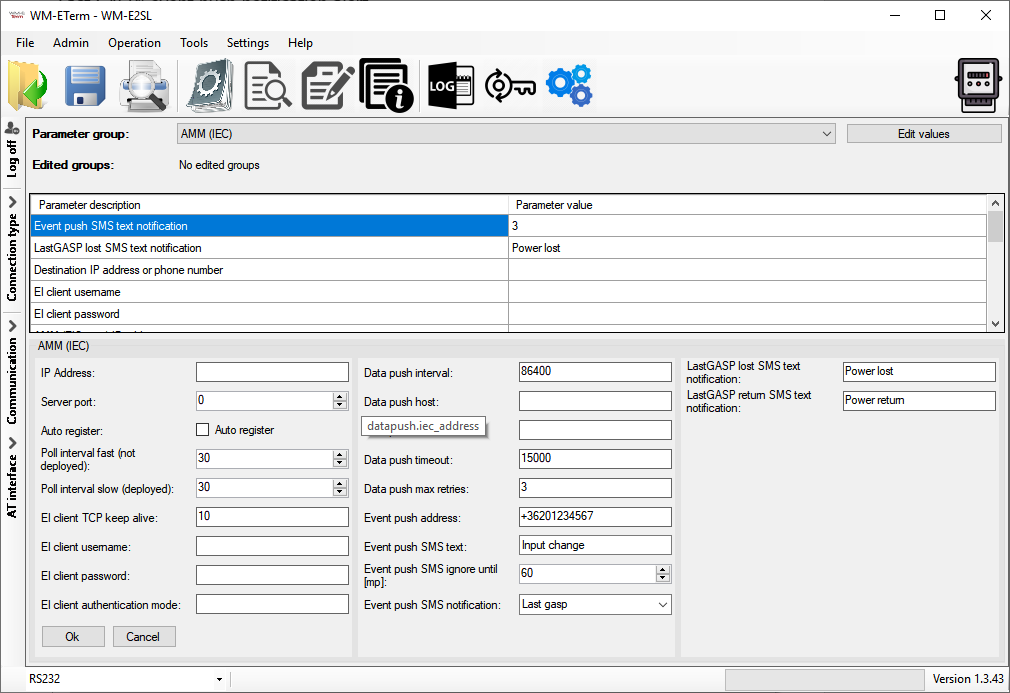
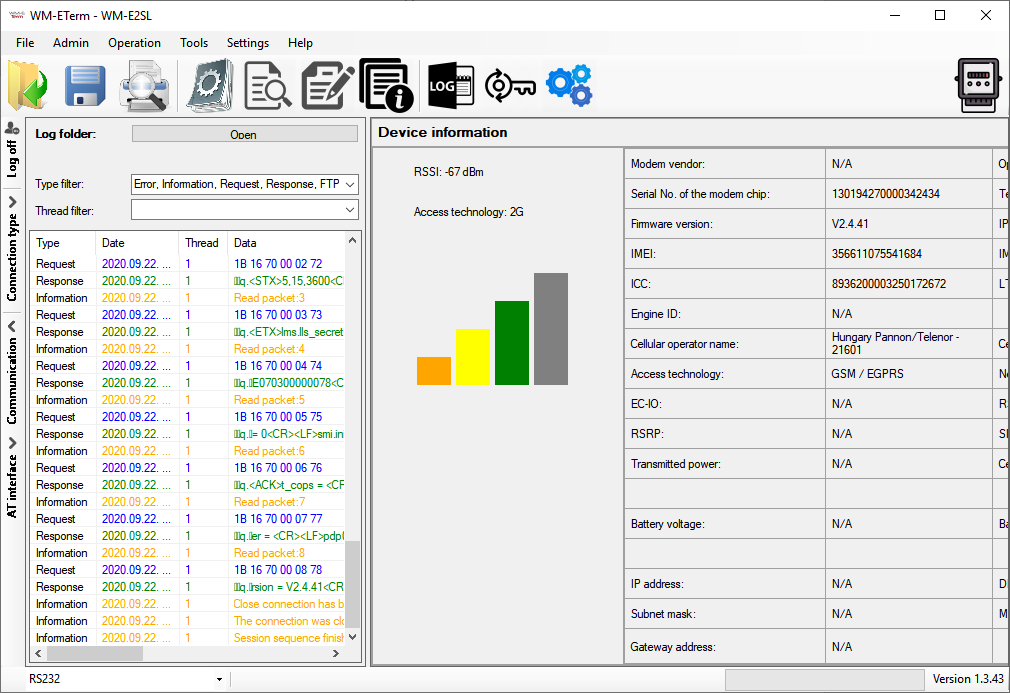
Configuration WM-E Term configuration software (downloadable) via local or TCP
Device Management Device Manager software (Remote provisioning, firmware update, bulk config)
Security TLS, Super capacitor (LastGASP notification) option, Surge protection


This cellular modem has been specifically designed for use with specific three-phase Itron® SL7000 electricity meters. You can use it as an external modem with an optional DIN rail adapter.

The modem is connectable with its RJ45 connection to the meter, and it provides transparent data link to the HES, through the LTE cellular network.

Our modem forms part of the AMI (Advanced Metering Infrastructure) of the utility company.

The device can be used to remotely read meter’s registers, consumption data of electricity meters and modify modem parameters. It can send data by CSData call (2G) also.

The readout takes place in „PULL” mode, when the modem provides transparent communication between the meter and the electricity provider’s HES center.

The modem can also be configured to transmit the data read from the meter to the data center using a “PUSH” mode, either periodically at predefined intervals or triggered by alarm events (such as power outages or enclosure tampering).

The modem reads actual consumption data, the recorded event log, and load profile data. Certain meter parameters can also be read or modified remotely.

The modem is configurable with the WM-E Term® software and remotely manageable with the Device Manager® software (order option).


Main features

  • Cellular module order options:
    • LTE Cat.1 / 2G, CSD
    • LTE Cat.M / Cat.NB with optional 2G “fallback” and 450MHz support
  • It can be assembled into the meter’s enclosure and fastened
  • Optionally as an external modem, it can be installed to a DIN rail
  • Power supply (AC) from metrology (optional DC)
  • RS232 / RS485 meter connection (RJ45)
  • Compatibility with Itron® SL7000 electricity meter
  • Surge protection option (from 4kV up to 12kV)
  • Supercapacitor option (SMS notification of power outage)
  • IEC 62056-21 protocol, transparent mode, TLS option
  • Data transmission based on timing (“Push” mode), or in response to an alarm: “Pull” mode (FTP or IEC, SMS triggered)
  • WM-E Term® configuration tool (mass FW updates, reconfiguration)
  • Device Manager® software (order option)


Application & Use Cases


Industries


Solution

Design and outfit

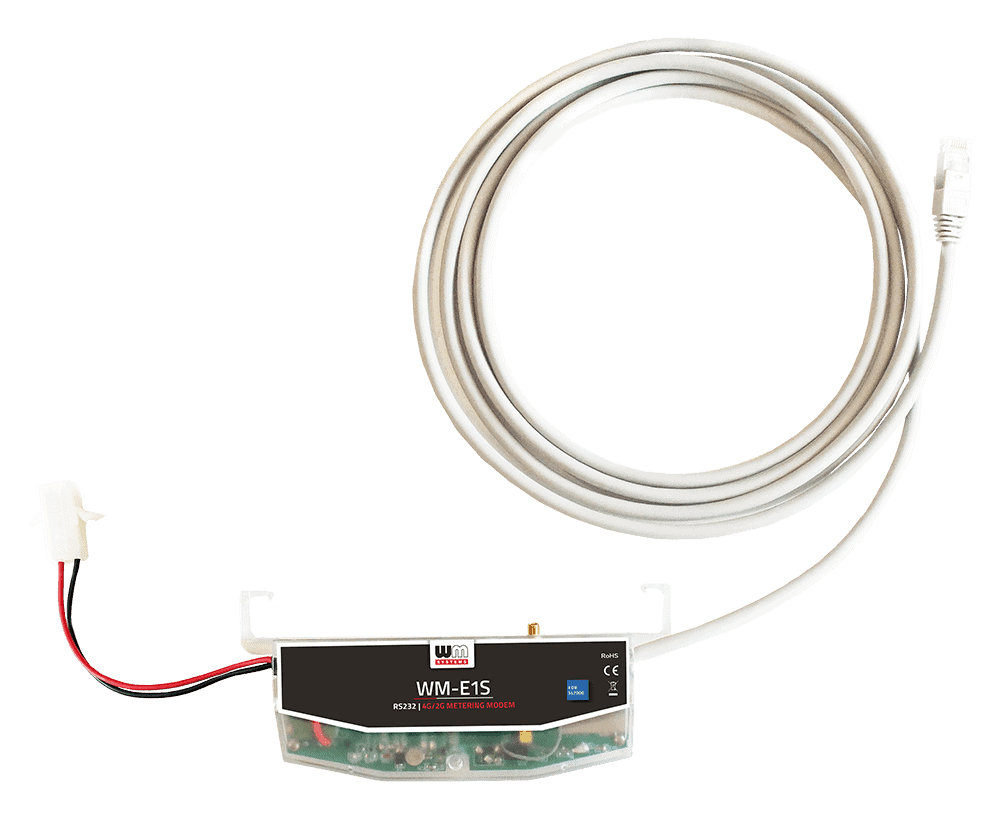
  • External modem, compact design (separated from meter)
  • It can be fastened securely by its DIN-rail adapter
  • RS232 / RS485 interface (1m long RJ45 cable for the meter connection / modem configuration)
  • AC power by meter via pigtail connector (57.7 / 100V phase voltage or 230/400V line voltage)
  • External SMA antenna interface (50 Ohm)


Compatibility

  • Itron® SL7000 electricity meters


Operation

  • IEC 62056-21 protocol, transparent data transmission
  • „Push” mode (FTP or IEC sending, SMS triggered)
  • CSData call, TLS encryption (optional)
  • Immediate alarm SMS notification (LastGASP power loss)


Accessories (order options)

  • LTE antenna (SMA, 50 Ohm)
  • 35mm DIN-rail adapter
  • Supercapacitor (for LastGASP SMS notification in case of power outage, status changes)
  • TLS encryption
  • WM-E Term® software (mass FW updates, actualization of settings)
  • You can manage the device by Device Manager® software


Technical data

WM-E1S SL7000

Product Datasheet

Updated: 2026-03-26


Quick Reference Guide

Updated: 2025-12-03

User Manual

Updated: 2023-12-19

WM-E Term User Manual

Updated: 2026-01-19

Parameter description

Updated: 2025-09-30

WM-E Term – Appendix

Updated: 2025-01-22


WM-E Term configuration tool

Updated: 2026-01-19

WM-E1S sample configuration file for WM-E Term (compressed ZIP file, extract the CFG file)

Updated: 2023-11-27

Video tutorial – Chapter 1. WM-E Term: Introduction

Video tutorial – Chapter 2. WM-E Term: How to Create a log file from the connected modem?

Video tutorial – Chapter 3. WM-E Term: Serial port connection settings

Video tutorial – Chapter 4. WM-E Term: Debug redirection

Video tutorial – Chapter 5. WM-E Term: How to change the Display Language?

Video tutorial – Chapter 6. WM-E Term: Use Log Files in WM-E Term (Tutorial video)

GET QUOTE   Click this button to request a quote for this Product!

Relevant products

...
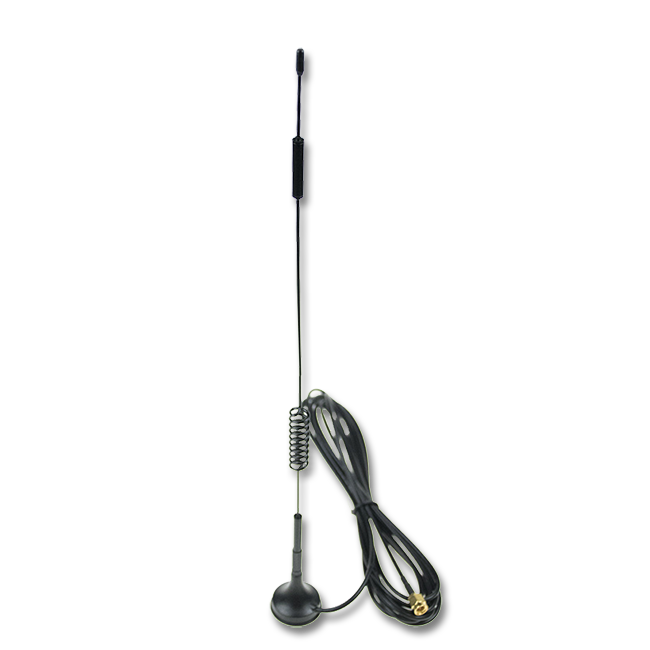
4G LTE ANTENNA WITH MAGNETIC MOUNT (6dBi, SMA)

4G LTE antenna with magnetic mount, SMA connection, 2.5m long RG174 cable, 6dBi max. gain
...
NEW!
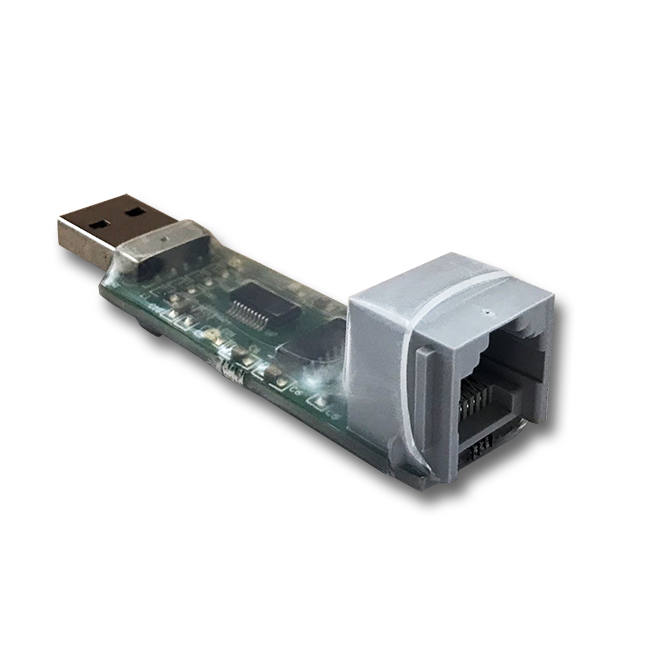
USB/RS232 DONGLE

USB adapter for configuration of the WM-E2S (Itron compatible) and WM-E2SL (Landis+Gyr compatible) modems
...
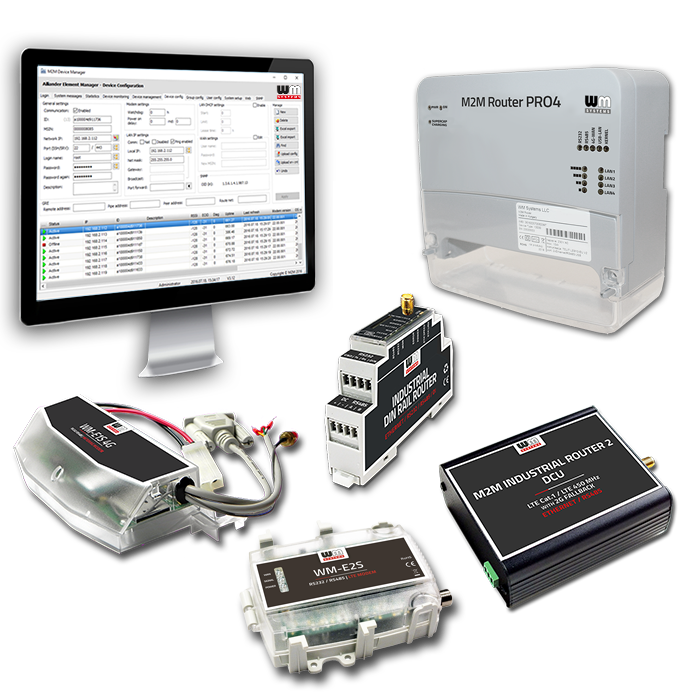
IoT DEVICE MANAGER

The remote management and maintenance of an IIoT solution can be a real challenge. Improve the network availability and operational efficiency of your fleet!

We are using Google Analytics

Please note that we use Google Analytics monitoring to analyze traffic and interests on our website, in order to provide an anonymous view of the distribution of visits.
uses personal information - to make internal, marketing decisions (promotions, trends, visits to visiting companies). We don't send these data to third parties.
Learn more about Google's privacy policy: www.google.com/analytics

Please use the buttons below to enable if you accept use Google Analytics, or indicate if you do not enable it.