WM-E Term

Configuration software for WM-E electricity metering modems and WM-i data logger

Villanyóra modemek
Smart Metering
RS232 / RS485
Firmware frissítések
Távoli elérés


Last Updated on 2026-02-24

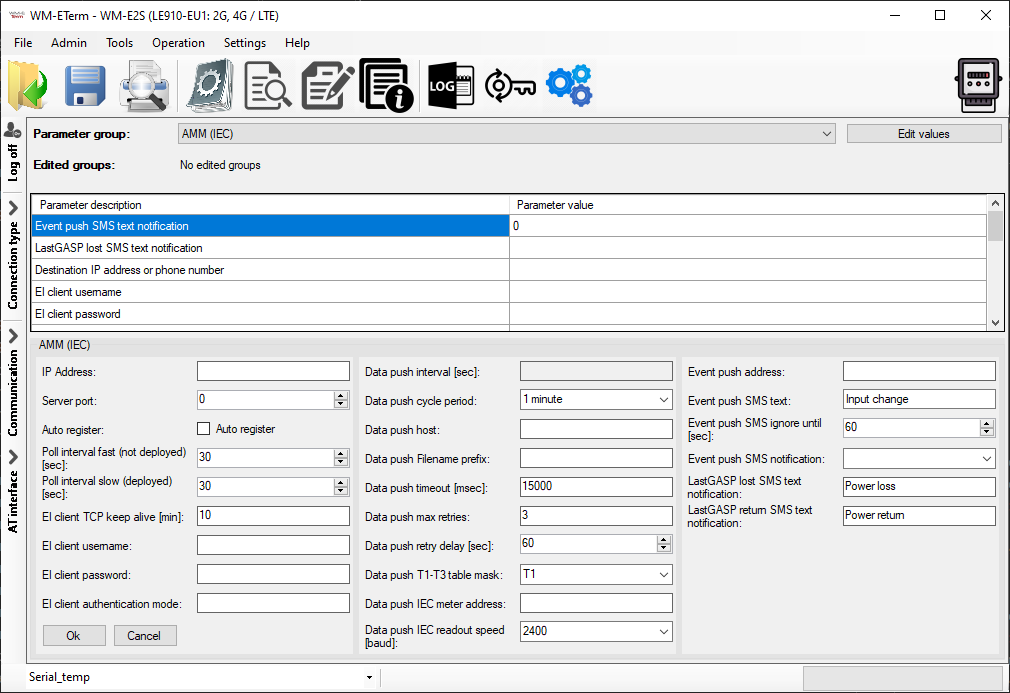
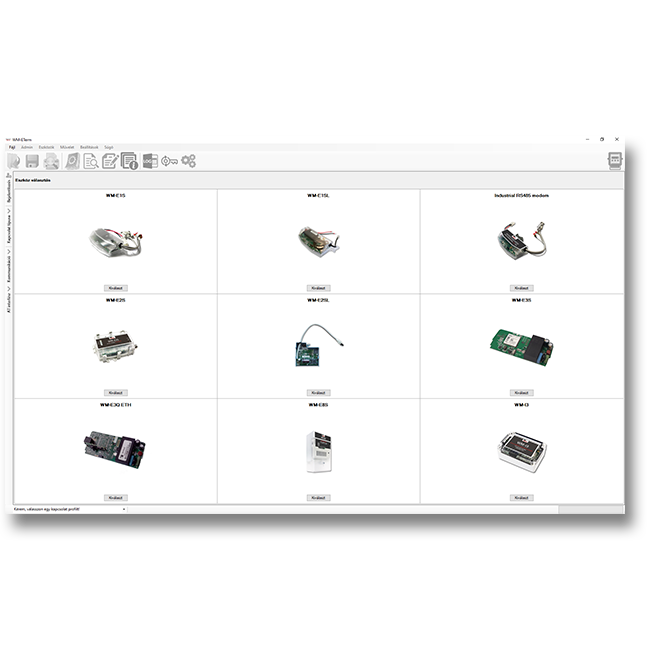
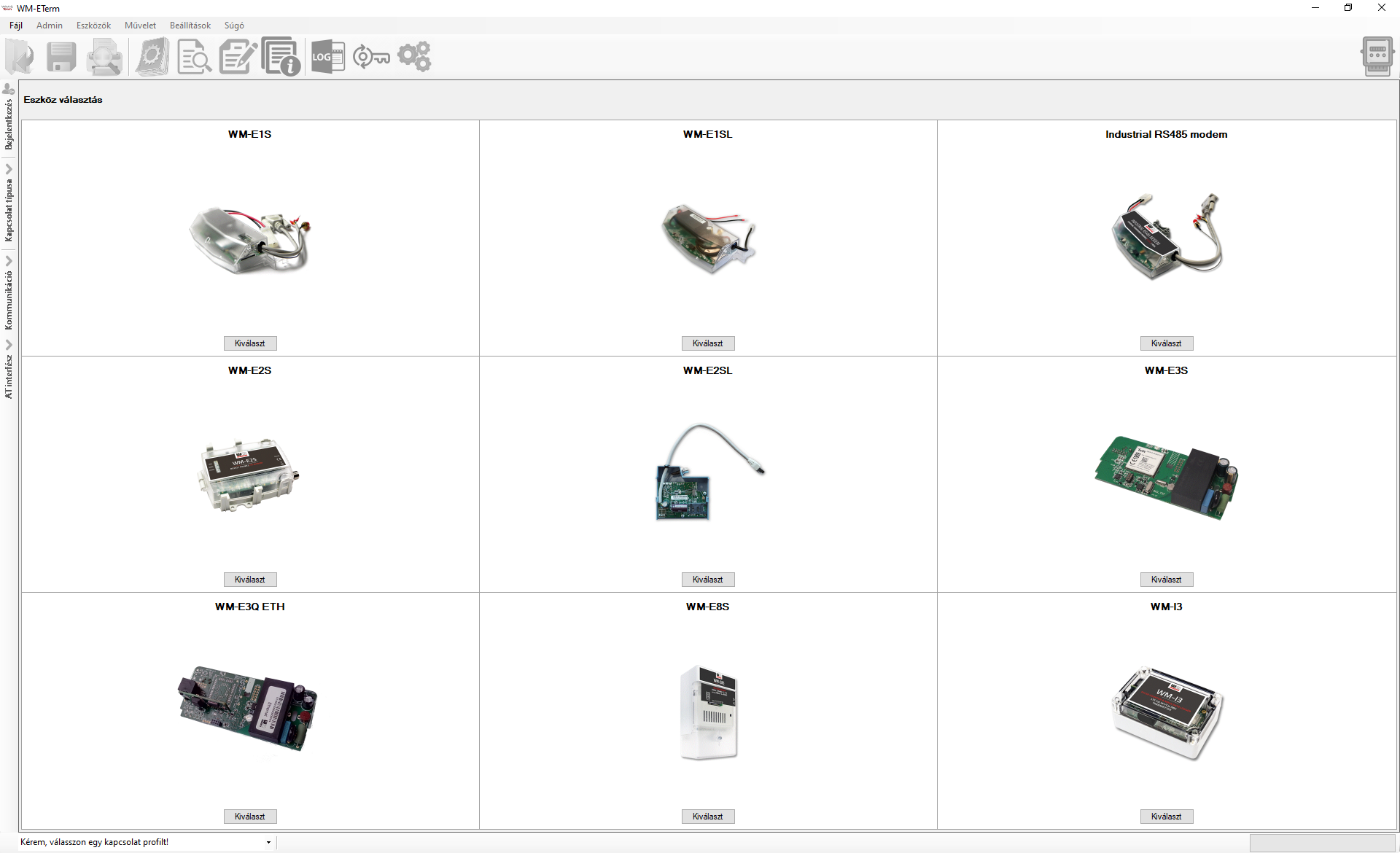
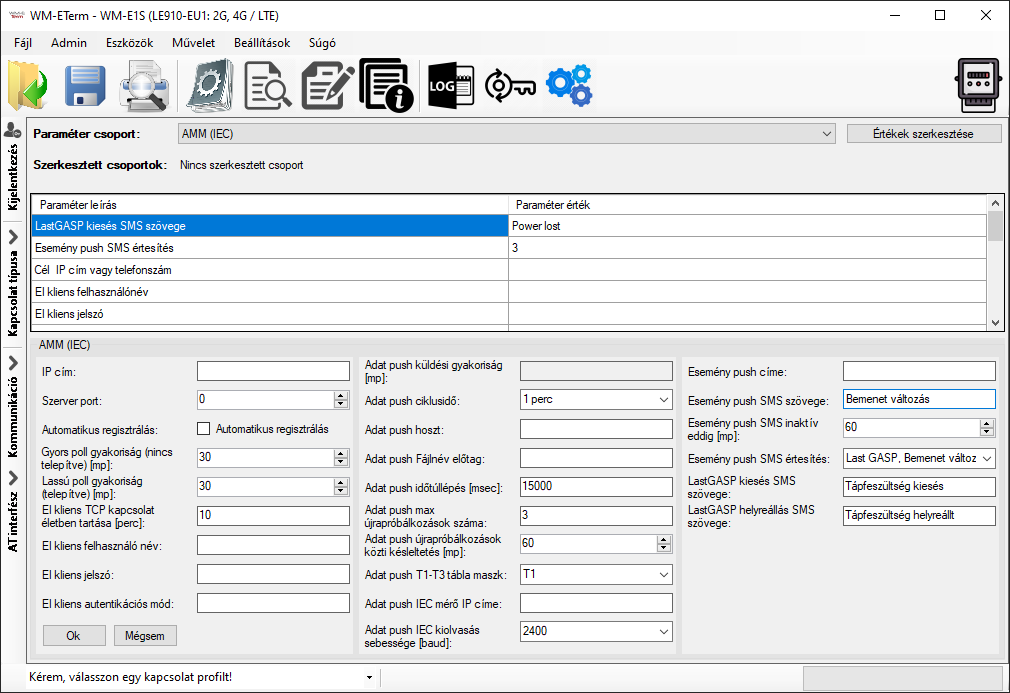
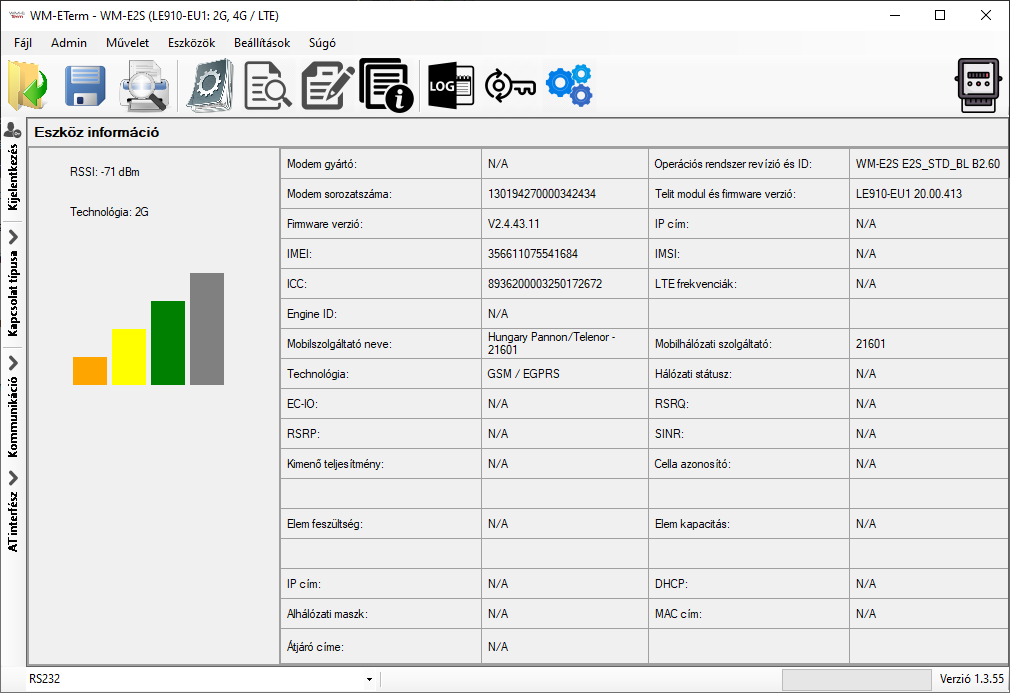
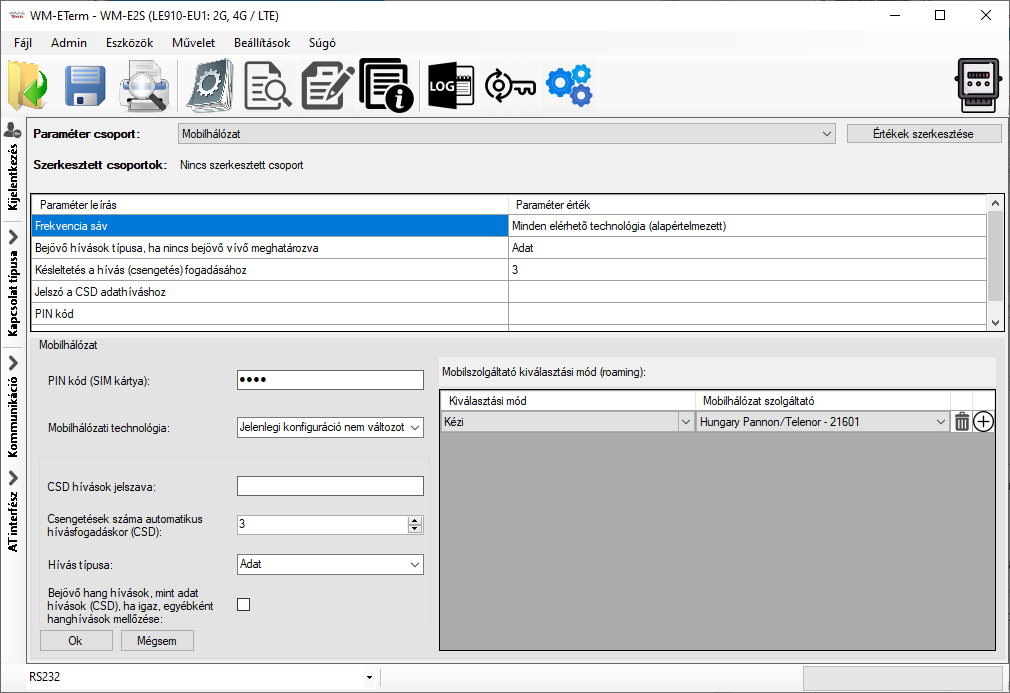
Our configuration software is running on Windows® operating system, which is primarily suitable for local readout (serial port) or remote readout (TCP or CSD connection) of the parameters of the connected consumption metering modem or the WM-i data loggers.

Also useful for modification of the pre-configured settings of the modem.

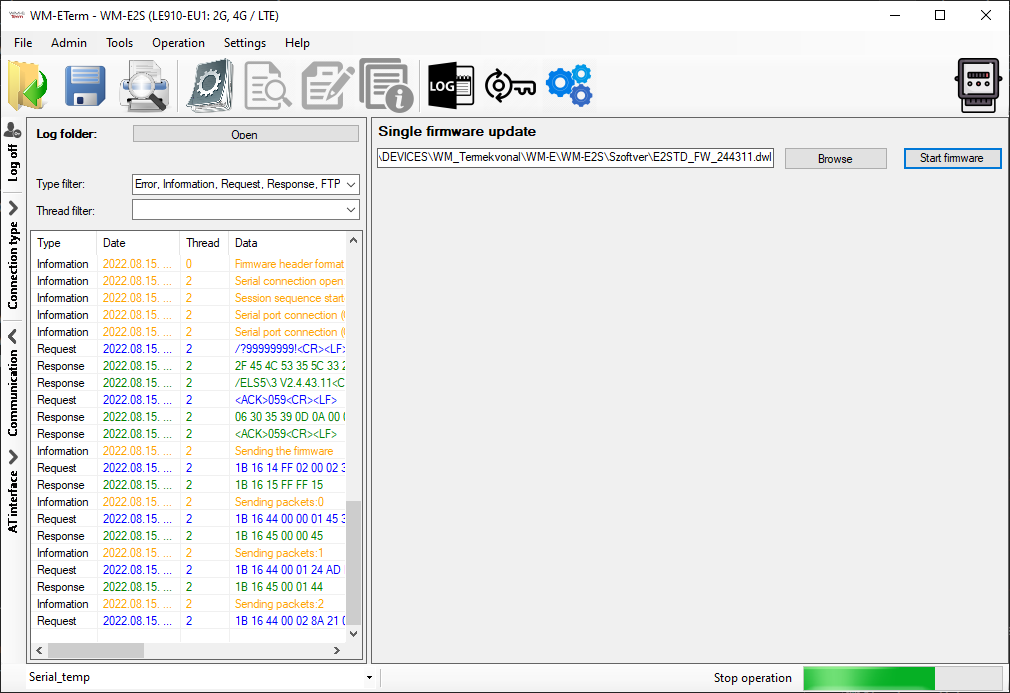
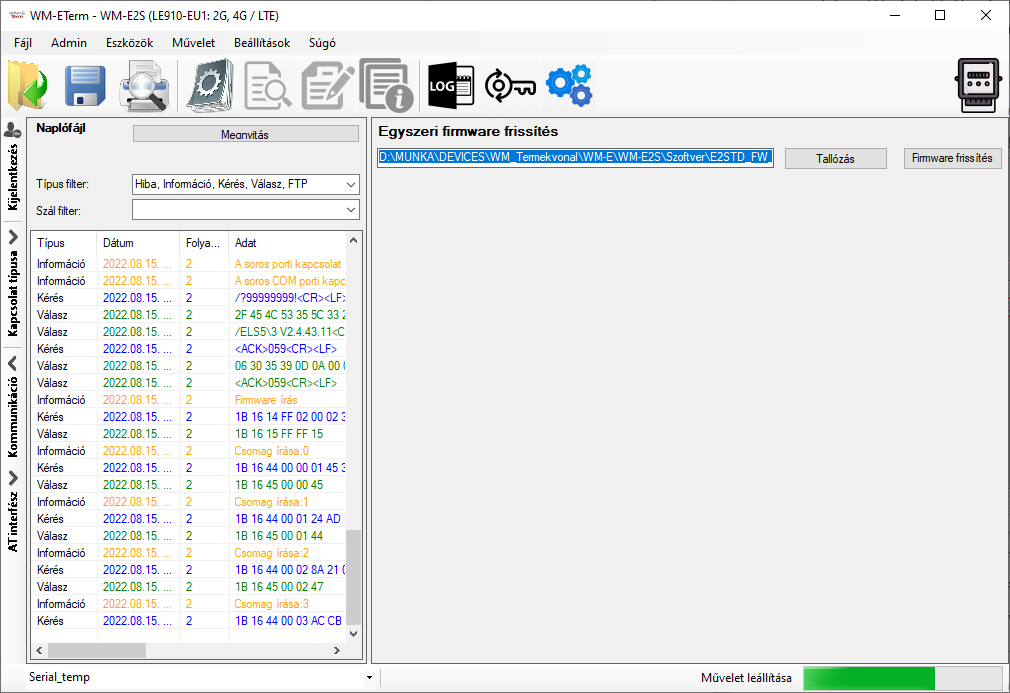
Over these, the most important benefit of the software is the ability to update the firmware on the modems.

The downloadable software is free to use for the purchased modems.
 

Compatible with:

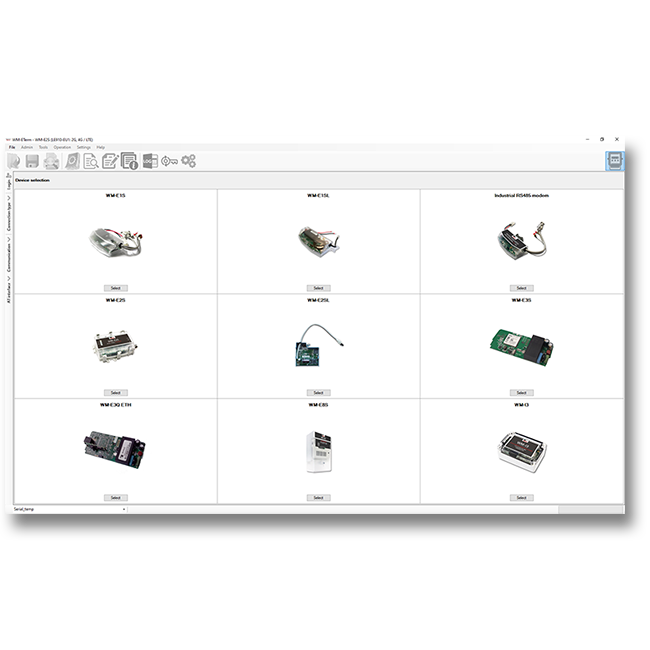
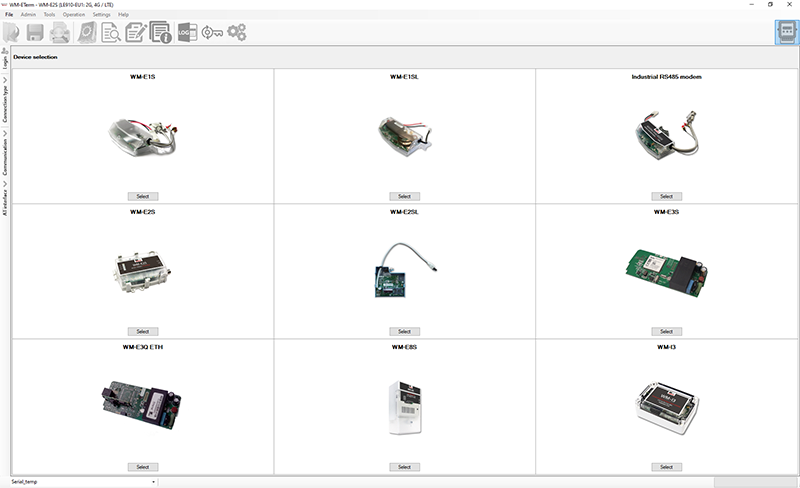
  • WM-E1S modem for Honeywell® / Elster® Alpha A1500, A1700, A1800, A1140, A1160 meters
  • WM-E1SI modem for Itron® ACE6000, ACE8000 and SL7000 electricity meters
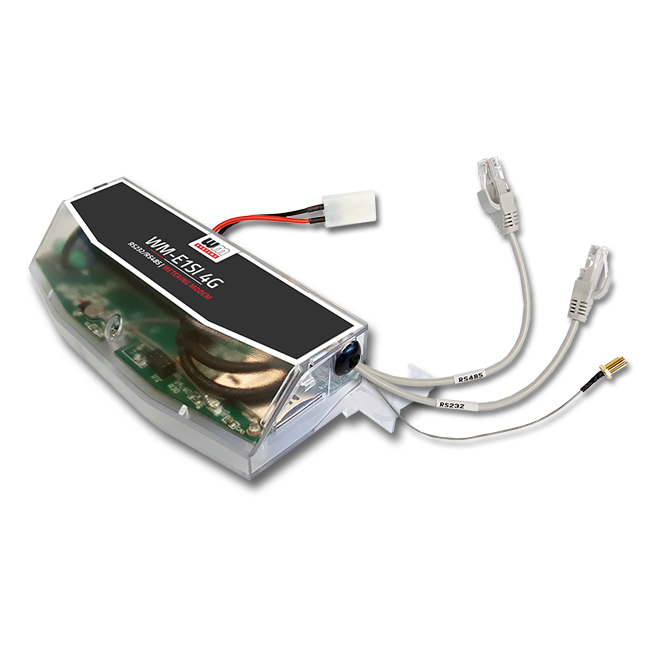
  • WM-E1SL modem for Landis+Gyr® E350, E450 electricity meters
  • WM-E1S ISKRA modem for Iskra® MT830, MT831 electricity meters
  • WM-E1S SAPHIR modem for Saphir® electricity meters
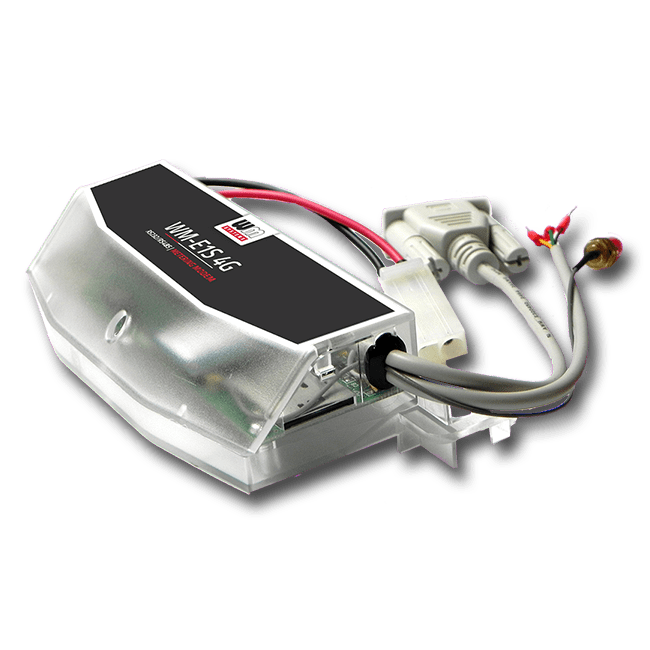
  • WM-E2S modem for Itron® SL7000, ACE6000, ACE 8000 electricity meters
  • WM-E2SL modem for Landis+Gyr® E550 electricity meters
  • WM-E2S PME-PMI modem for PME-PMI® electricity meters
  • WM-E3S modem for Honeywell® / Elster® AS220, AS230, AS300, AS1440/AS1460, A3000/A3500 meters
  • WM-E3S M-Bus modem
  • WM-E3Q ETH modem (Ethernet version)
  • WM-E8S universal modem for any kind of meters
  • Universal Industrial modem to any kind of meters
  • WM-i® data loggers – connecting via LwM2M protocol (remotely) or local serial port


MAIN FEATURES

  • Single or mass reconfiguration of the modem operational parameters (local/remote)
  • Firmware updating (local/remote)
  • IEC / DLMS meter and compatibility settings
  • RS485 compatibility settings
  • M-Bus settings (in case of modem support)
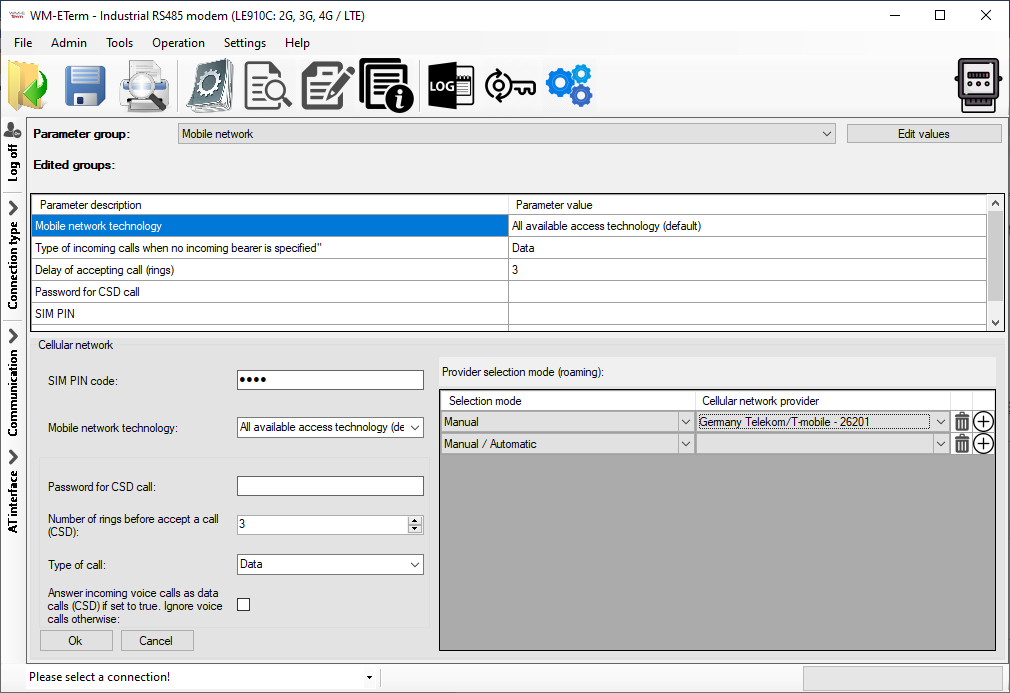
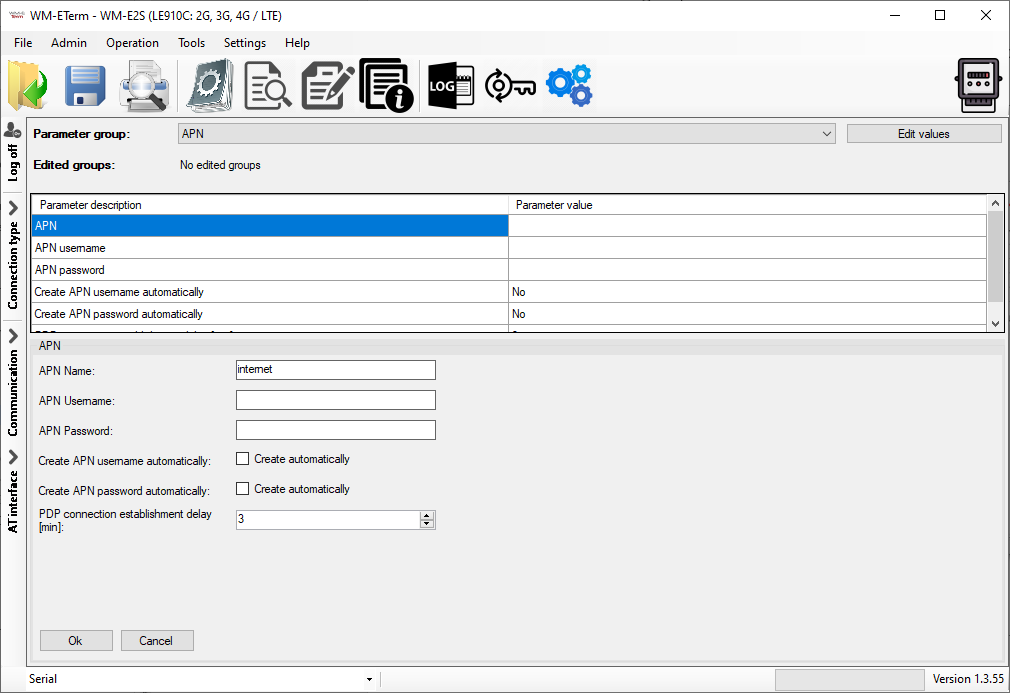
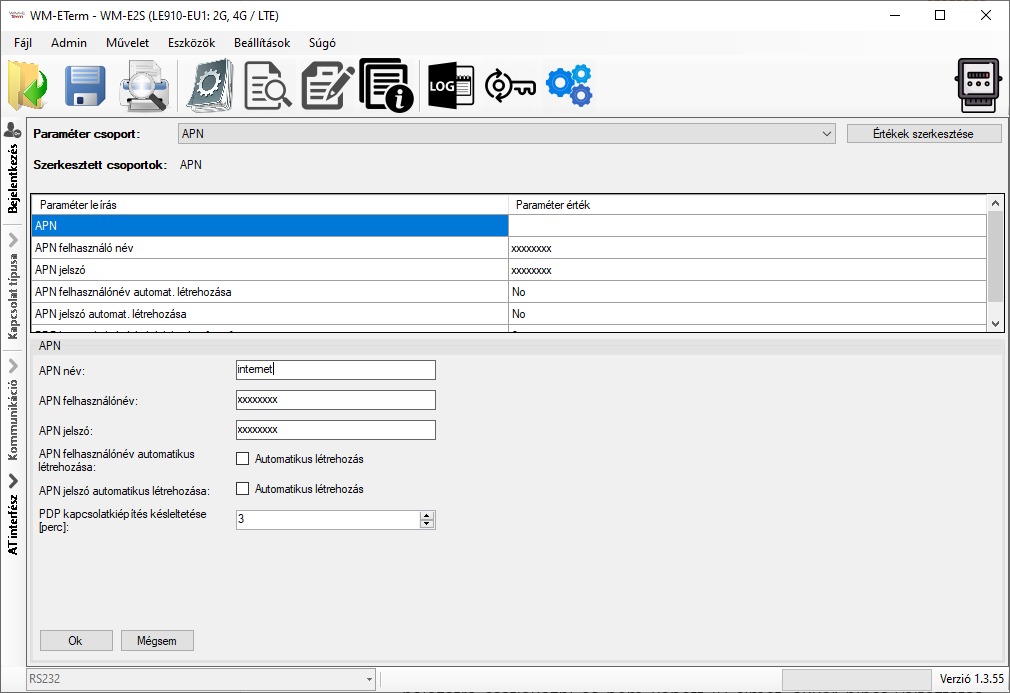
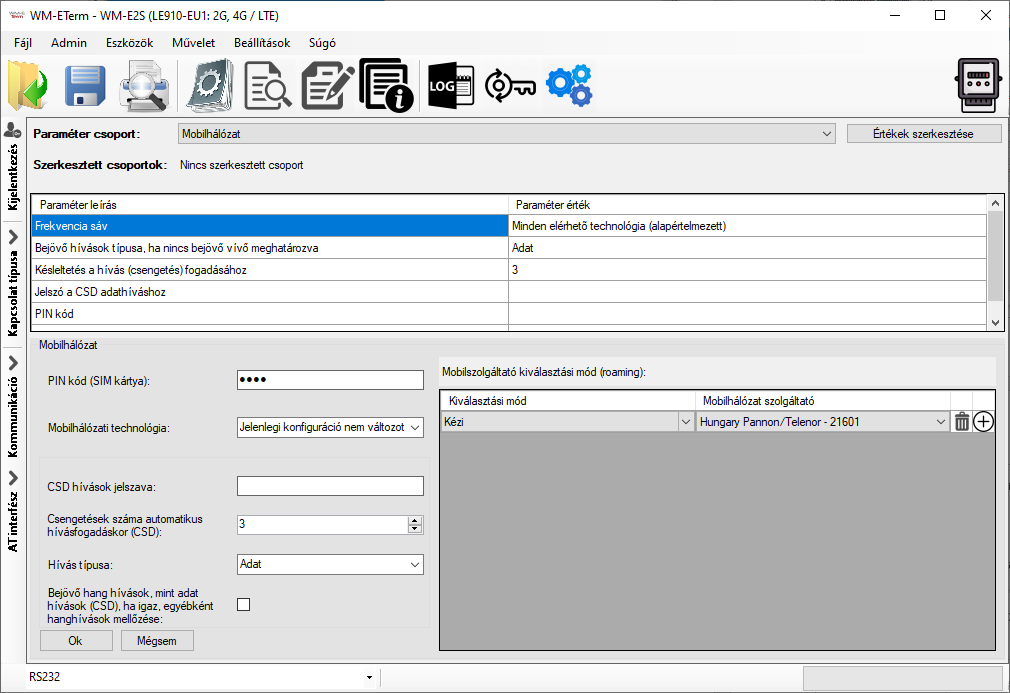
  • Cellular network settings (APN, mobile network, etc.)
  • Management of encryption keys (TLS, CA, CA CERT, AES)
  • Time management and Calendar settings
  • SNMP and Syslog settings
  • Watchdog settings (for monitoring of device operation)
  • Setting of alarm messages (loss of power supply (LastGASP notification), input status changes)
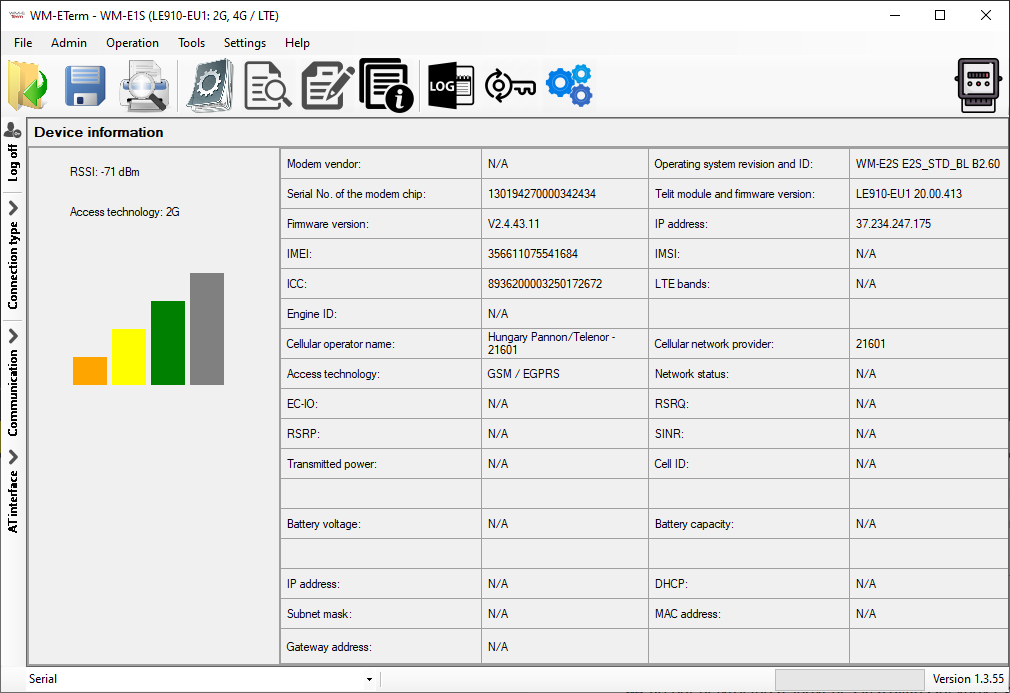
  • Readout of current modem status
  • Device Manager platform compatibility settings


Application & Use Cases


Industries


Solution

COMPATIBILITY

  • WM-Ex electricity meter modems
  • WM-i data loggers
  • It is capable of encrypting the connection
  • Compatible with the Device Manager® remote management software


COMMUNICATION

  • Serial port (RS232/RS485) communication
  • Optical communication (in case of compatible meters)


Operation

  • CSData data call (2G) support
  • Scheduled data transmission or alarm-triggered data sending
  • TCP/IP connection for remote access


EXTRA FEATURES

  • LED settings, Mbus and SNMP parameter settings
  • Internet module firmware replacement, bulk device firmware replacement
  • User management (access levels, individual passwords)
  • Multilingual interface
  • Event log

Product Datasheet

Updated: 2025-11-19


WM-E Term User Manual (for every modem type)

Updated: 2026-01-19

WM-E Term User Manual (for WM-E2S, WM-E2L modem types only)

Updated: 2026-01-19

WM-E Term Appendix

Updated: 2025-01-22

Parameter Description – WM-E1S Modems

Updated: 2025-09-30

Parameter Description – WM-E2S Modems

Updated: 2025-09-30

Parameter Description – WM-E3S Modems

Updated: 2025-09-30

Parameter Description – Universal Industrial Modem

Updated: 2025-10-02

Parameter Description – WM-E8S Modem

Updated: 2025-09-30


WM-E Term configuration tool
Updated: 2026-01-19

WM-EXS modems

Video tutorial – Chapter 1. WM-E Term: Introduction

Video tutorial – Chapter 2. WM-E Term: How to Create a log file from the connected modem?

Video tutorial – Chapter 3. WM-E Term: Serial port connection settings

Video tutorial – Chapter 4. WM-E Term: Debug redirection

Video tutorial – Chapter 5. WM-E Term: How to change the Display Language?

Video tutorial – Chapter 6. WM-E Term: Use Log Files in WM-E Term (Tutorial video)


WM-i data loggers

Video tutorial – Chapter 1. How to configure the WM-i data logger in Azure with the WM-E Term software

GET QUOTE   Click this button to request a quote for this Product!

Relevant products

...
WM-E1S Modem for Honeywell, Elster Meters

Cellular modem for Honeywell / Elster, Itron, Landis+Gyr electricity meters. Available for LTE Cat.4, LTE Cat.1 / 2G / 3G, Cat.M and Cat.NB networks

...
WM-E1SI Modem for Itron Meters

Cellular modem for Itron electricity meters – for LTE Cat.4, LTE Cat.1 / 2G / 3G, LTE Cat.M and Cat.NB networks
...
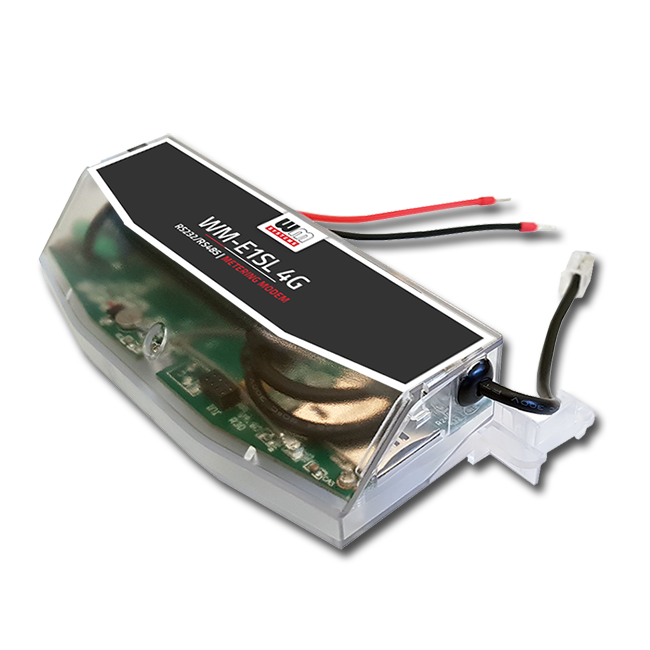
WM-E1SL Modem for Landis Meters

Cellular modem for Landis+Gyr E350, E450 (ZMD310, ZMD405 and ZMD410 type) and E650 type electricity meters – for 4G LTE Cat.1 / 2G / 3G, Cat.M and Cat.NB networks
...
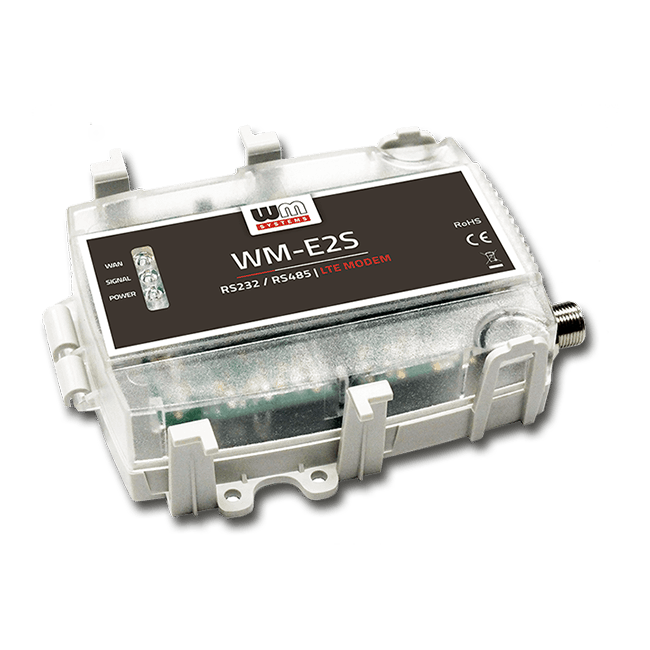
WM-E2S Modem for Itron Meters

Cellular modem specifically designed for the Itron ACE6000, ACE8000, SL7000 and EM600 (E620) electricity meters. Available for 2G, LTE Cat.1 / 2G / 3G, LTE Cat.M/Cat.NB, LTE Cat.M 450MHz networks.
...
NEW!
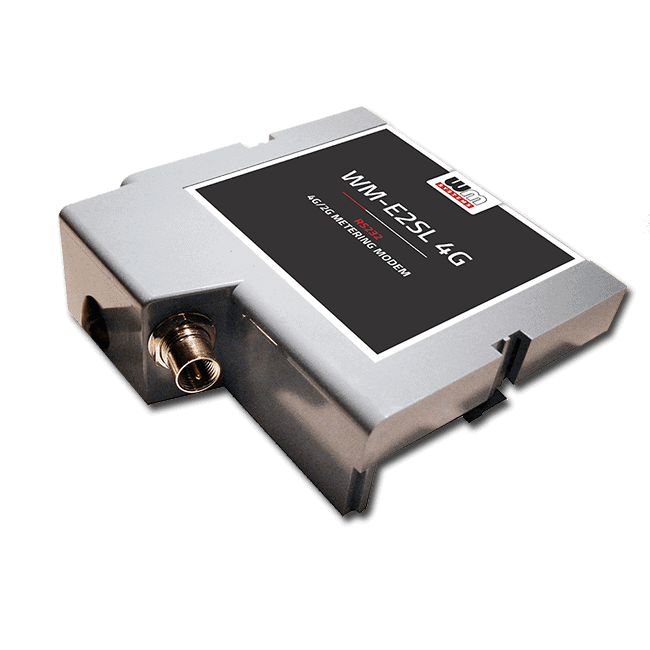
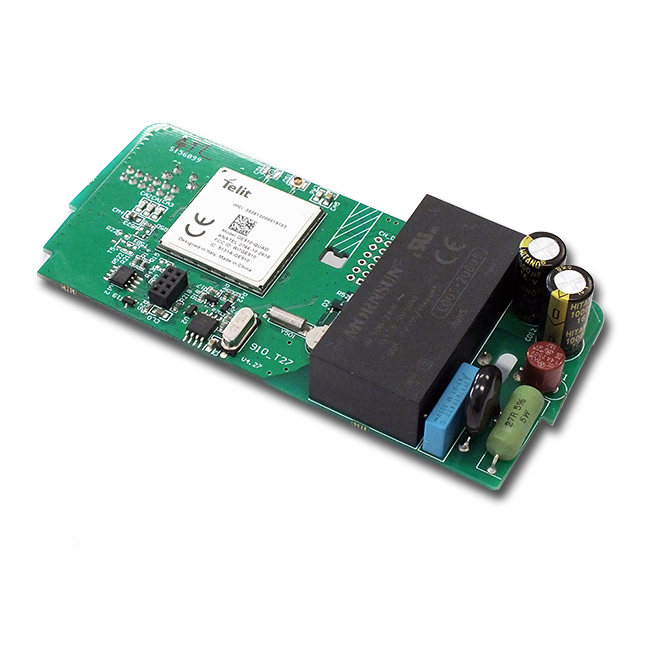
WM-E2SL Modem for Landis+Gyr Meters

Cellular modem for Landis+Gyr E350, E450, E550 (type ZxG 3xx and ZxG 4xx) electricity meters – for 2G, LTE Cat.1 / 2G / 3G, LTE Cat.M / Cat.NB, and LTE Cat.M 450MHz networks
...
WM-E3S Modem for Elster AS smart meter family

Cellular modem specifically designed for Honeywell AS220/AS230/AS300 and AS1440, AS3000/AS3500 electricity meters. Available for LTE Cat.1 / 2G / 3G, LTE Cat.4, Cat.M / Cat.NB networks.
...
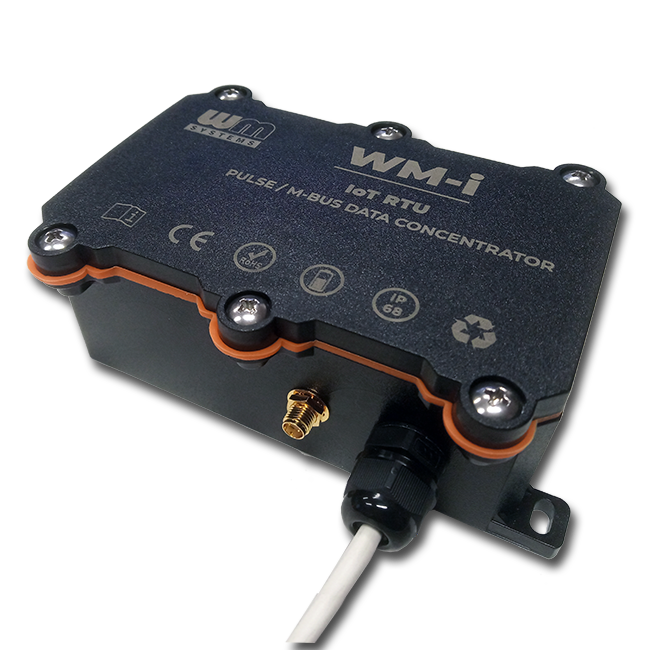
WM-i PULSE

Long-life battery powered, cellular IoT data logger for pulse output meters and sensors

We are using Google Analytics

Please note that we use Google Analytics monitoring to analyze traffic and interests on our website, in order to provide an anonymous view of the distribution of visits.
uses personal information - to make internal, marketing decisions (promotions, trends, visits to visiting companies). We don't send these data to third parties.
Learn more about Google's privacy policy: www.google.com/analytics

Please use the buttons below to enable if you accept use Google Analytics, or indicate if you do not enable it.